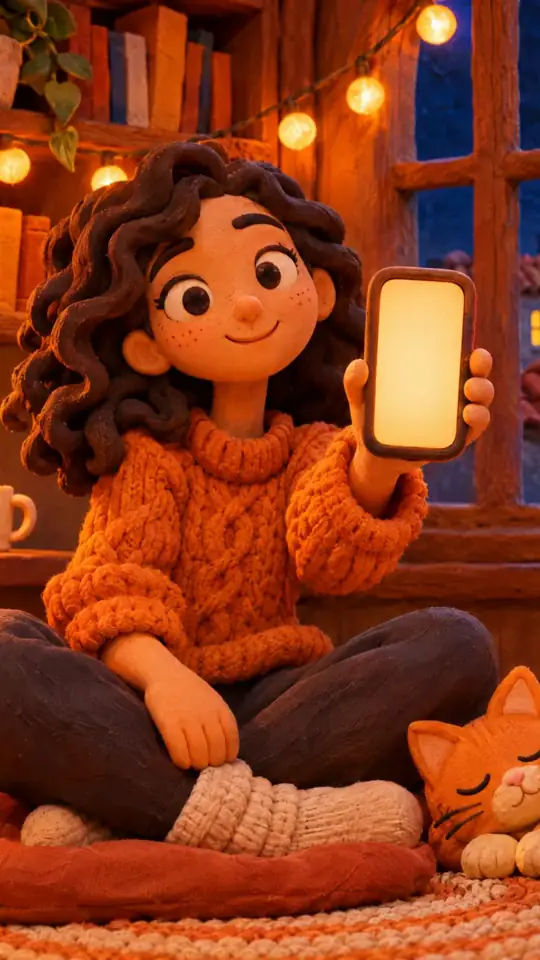
テキストから動画へのアニメーション
A post, a paragraph from an article, a product sheet: paste your text, ClipOnIt splits it into scenes and animates each one with elements synced to the words.
Free: 3 videos a month with a watermark · 24 visual styles, plus your own
From text to picture, sentence by sentence
You have already written the core: a blog post, a newsletter, a thread. ClipOnIt starts from that text instead of inventing one. It splits it into one-sentence scenes, looks for elements that show what each sentence says (a chart for a figure, an object for a concrete idea) and brings them in at the pace of the voice.
A text written to be read sounds worse than one written for the ear. Shorten long sentences, keep one idea per sentence and open with the most surprising one: the video will hold better. A long text makes a long video; aim for 100 to 150 words for a video of about a minute.
How to do it in 3 steps
- Paste your text
In the topic field, paste your paragraph as it is.
- Pick the style
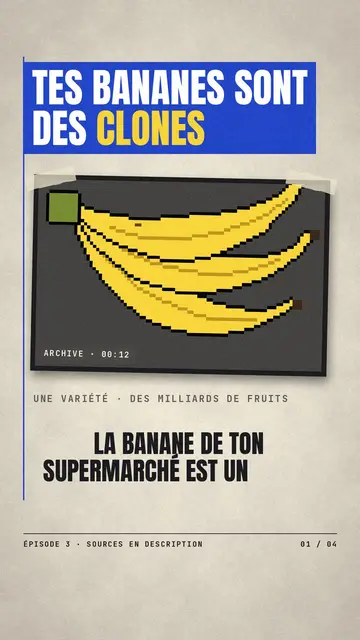
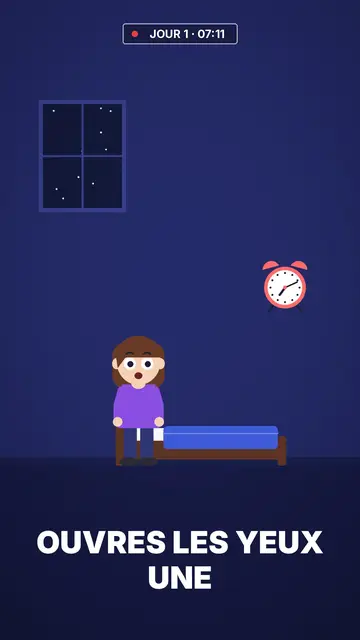
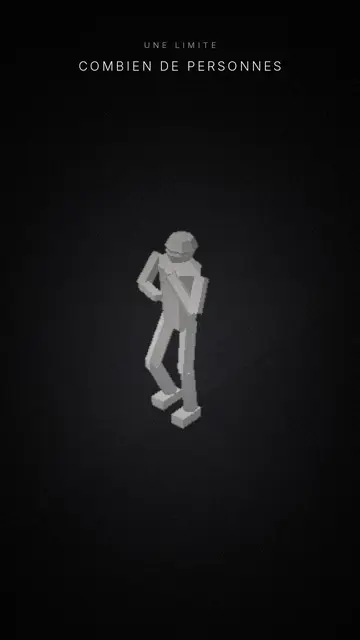
Press paper for a sourced text, Flat vector for advice, Mannequins for a social topic.
- Export the MP4
Voice-over, captions and animation are in place. Review the scenes, then start the render.
What people use it for
- Repurposing an articleThe core of a blog post, as a video to share on social media.
- Animating a newsletterThe week's news in 40 seconds, for people who skip emails.
- Illustrating a quoteA strong line, staged instead of set on a plain background.
- Presenting a product sheetThe three points that matter, shown one at a time.
- Explaining a studyWhat it says, about whom, with which figure, without jargon.
Recommended styles
A sample script
A blog paragraph, before and after rewriting for the ear. The first reads well but sounds clumsy; the second, pasted with “I have my script”, gives one scene per sentence:
Before: “According to a recent study of several thousand households, the electricity used by devices on standby may account for a significant share of the annual bill.” After: “Your devices use power even when they are off. Over a year, it shows on the bill. The router, the TV, the console: they are the worst. A switched power strip fixes it.”
Mistakes to avoid
- Pasting a 2,000-word textIn “I have my script” mode, the video holds 20 scenes at most. Keep the core idea and make several videos if needed.
- Keeping brackets and footnotesThe voice reads everything written. Remove references, links and brackets before pasting.
- 40-word sentencesA sentence that is too long gets cut at its commas. Better to cut it yourself, where the idea changes.
Length, fixes and limits
- Recommended length100 to 150 words make about a minute. For TikTok or Reels, aim for 70 to 110 words: the video lasts 30 to 45 seconds and keeps a pace of one scene every three to five seconds.
- Fine-tune with the AI DirectorYour text is kept as it is. On paid plans, ask the Director for “a chart for the figure in scene 4” or “a more concrete visual here”: it changes the picture, not your sentences, unless you ask it to.
- LimitsEach scene holds about 30 words or 380 characters, with 20 scenes at most. A blank line forces a new scene. The text must be pasted: there is no Word or PDF file import.
Frequently asked questions
Format, voice, pricing: the short answers.
Does AI rewrite my text?
Your text is the base for the narration and the scene split. If you want exact wording, review the script before the render and edit the sentences your way.
How long should the text be?
100 to 150 words make about a minute of video. Beyond that, split it into several videos: on TikTok and Reels, two short videos hold better than one long one.
In which language?
The narration keeps the language of your text. The interface is in French and English.
Can I add my own images?
Scenes are illustrated with the chosen style's library. For a visual identity of your own, import your own style (paid plans).
Can I import a PDF or a link?
No, paste the text itself into the field. For a long article, keep the passage that carries the main idea rather than the whole document.
Is it free?
Yes, to start: the free plan gives 3 videos a month with a ClipOnIt watermark, in 8 styles (Pixel News, Press paper, Comedy cartoon, Class sketch, Night tale, Social screen, Retro synthwave, Flat vector), no credit card. Starter ($29/month): 15 watermark-free videos, all 24 styles plus your own, your own voice and the AI Director. Pro $49: 30 videos. Business $149: 100 videos and 3 seats.
Your video, in this style
Write one sentence: the style is already picked when you reach the editor.