
Where your coffee comes from
Satellite briefing: the camera flies over the real Earth, from Ethiopia to Le Havre.
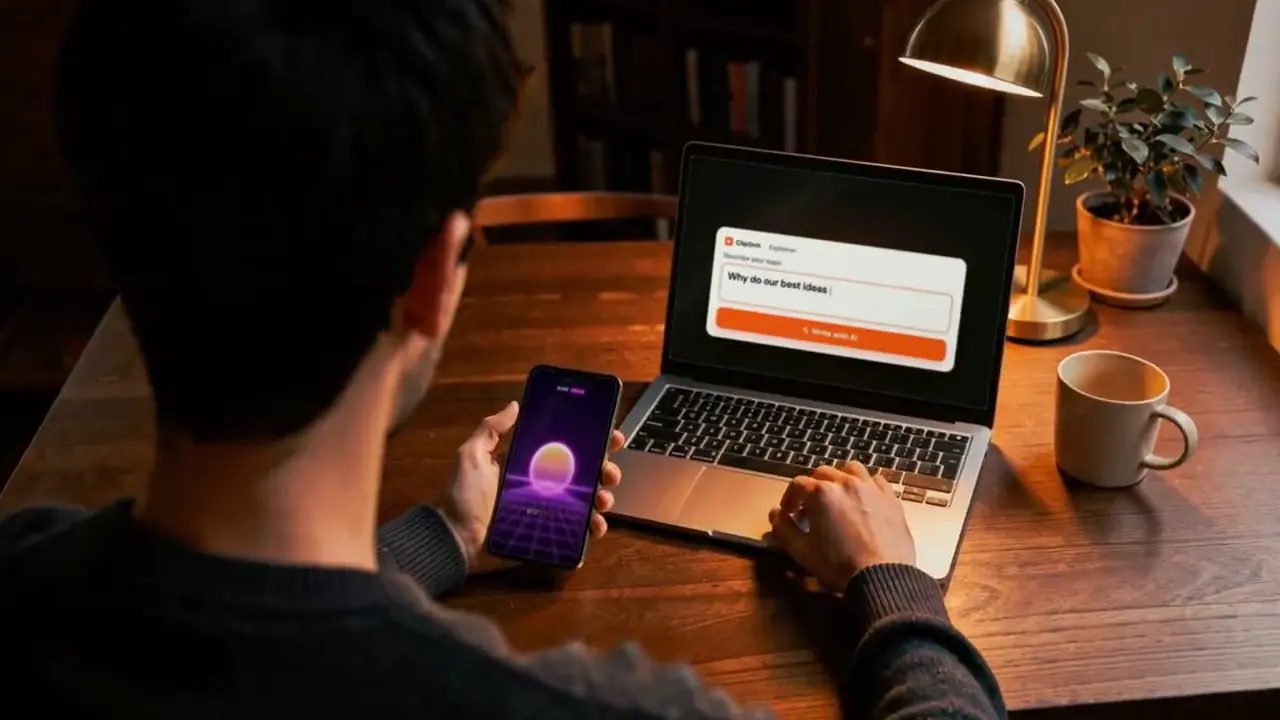
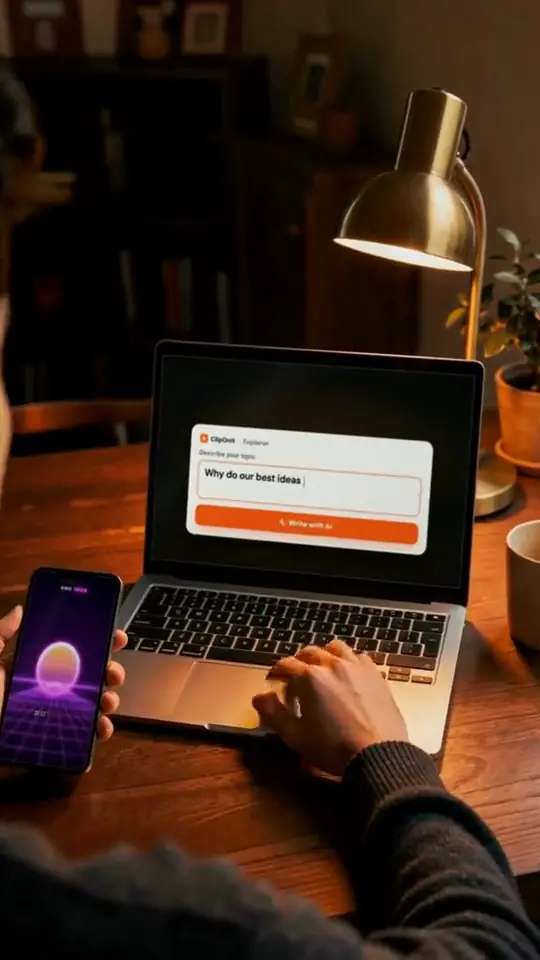
Give it a topic, paste your text or record your voice. The generator writes the scenes, illustrates them, syncs voice and captions, then renders a 1080×1920 vertical MP4. Then you fix it scene by scene.
Free plan: 3 videos a month and 8 styles, no credit card
You choose what you bring. The generator does the rest, and every scene stays editable.
Type “why the sky is blue”, set the length and tone. AI drafts the narration and cuts it into short scenes.
Paste an article, a lesson or a post. It is read as is, split into scenes and illustrated: your message stays yours.
Record yourself or import an audio file. The transcript lines up each element with your words, and a fluffed sentence can be redone alone. From Starter.
Type what you want changed, as you would to an editor sitting next to you. Each change is explained in one sentence; accept it, reject it or undo it. On paid plans.
Shorten, clarify or change tone without starting over.

The studio tools, once the first version is rendered.
A scene doesn't work for you: three versions appear side by side, on the same narration. Keep the best one. Paid plans.
Move, hide or lock each element on the canvas and the timeline when you want precision.
Every state of the video is kept. Try an idea, and if the earlier version was better, restore it.
Generated and synced to the voice: the video makes sense even with the sound off.
Logo, colours, font, tone, intro and outro are set once and applied to every new video. From Starter.
Save a format that works and replay it on another topic: a series keeps the same look from one episode to the next.
1080×1920 vertical MP4 for TikTok, Reels and Shorts. A 3D scene as .glb or .obj, an element as PNG, GIF or .glb.
From the finished video, connect your account and choose draft or post. Nothing goes out without your confirmation.
With the MCP server, from the free plan, ask for “a video about X in style Y”: your assistant runs explainer_produce and hands you the MP4.
API, MCP and webhooksA TikTok or Shorts channel without showing your face: one topic a day, a synthetic voice or yours, the same style from video to video.
See the dedicated pageCharacters, devices, places, data: hover a world to see its elements, rendered by its own engine.
 キャラクター
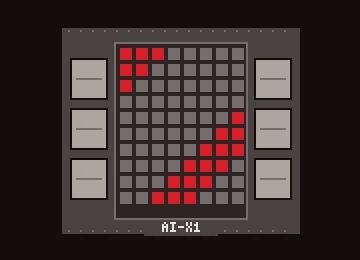 デバイス
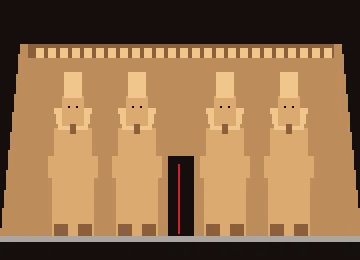 ドキュメント・場所
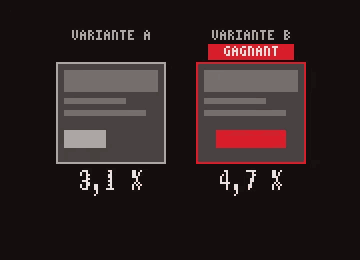 データ
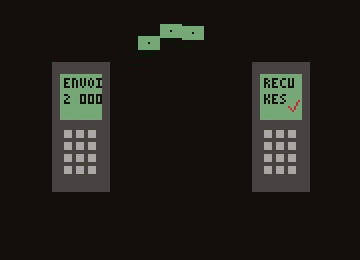 インターフェース
 アクション
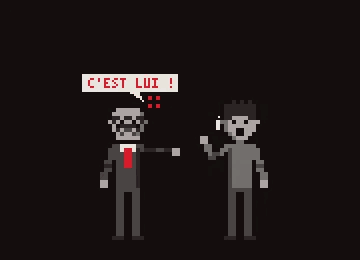
Five videos made with the Explainer, in five styles. Voice-over: Mathis, ClipOnIt's founder.
Satellite briefing: the camera flies over the real Earth, from Ethiopia to Le Havre.
Cutaway house: a 3D dollhouse, room by room.
Class sketch: hand-drawn, in black and red.
Voxel night: 3D under a starry sky.
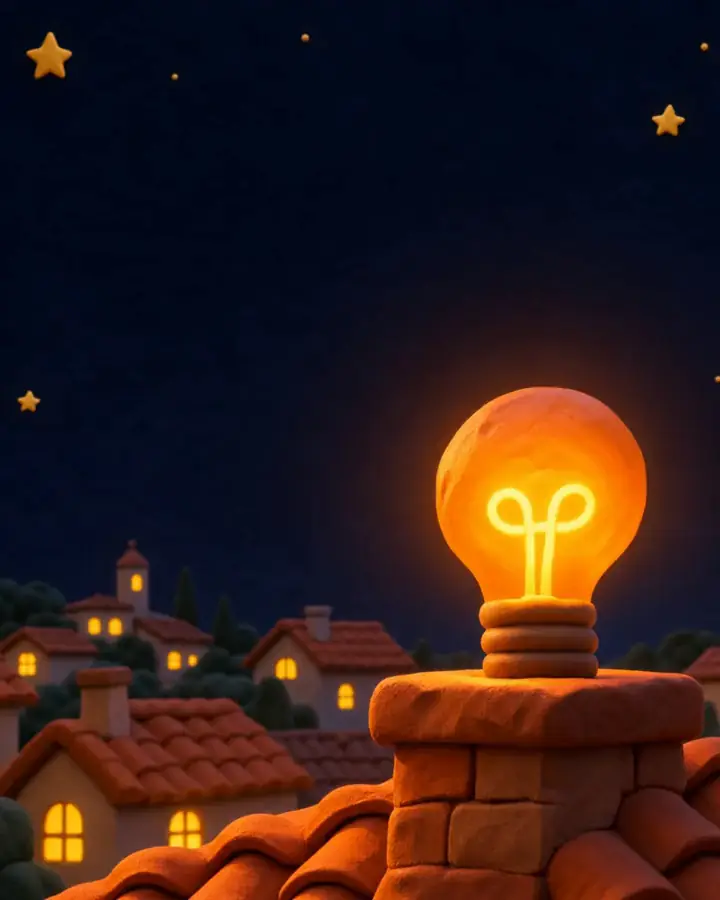
Mood pixel: warm, glowing pixel art.
Each page shows the recommended style, the steps and examples for one specific use.
All tools Browse the 24 stylesThe free plan gives you 3 complete videos a month, with a watermark, in 8 styles. Starter ($29/month) removes the watermark and opens all 24 styles, style import, the Director and your own voice: 15 videos a month, 30 on Pro, 100 on Business. The MCP server and the API work from the free plan.
Format, voice, timing, visual identity: how it works in practice.
It chains what a video team does by hand: script, scene breakdown, animated visuals, voice-over, captions and render. With ClipOnIt you give a topic, a text or your voice, and you get a vertical MP4 you can still edit.
A few minutes from topic to MP4. Fixes (one scene, one sentence, one visual) are redone without re-running the whole video.
A 9:16 vertical MP4 at 1080×1920, the TikTok, Reels and Shorts format, with voice and captions built in.
Yes: on the free plan each video carries a discreet watermark and ends with a “Made with ClipOnIt” card. From Starter, exports are watermark-free.
Set your brand kit once (logo, colours, font, tone, intro, outro) and save a template for your series. You can also import your own style: 2 on Starter, 5 on Pro, 20 on Business.
Yes, from the free plan (3 watermarked videos a month): connect ClipOnIt's MCP server to Claude or ChatGPT, ask for a video on a topic in a style, and the assistant hands you the MP4. Posting to TikTok then happens in the app, with your confirmation.
Write the topic, pick one of the 8 free-plan styles, and get your MP4 a few minutes later.