Explainer動画のスタイル:24種類のビジュアルスタイル、さらに自分だけのスタイルも
Each style has its own rendering engine, element library and tone. Pick the one that tells your topic best: AI writes the scenes, illustrates them in that style, adds the voice and captions.
Styles marked “Free” are in the free plan (3 videos a month with a watermark); the others come with Starter.
How to choose
Start from what has to be shown. A topic that happens somewhere calls for a map: Satellite briefing or Flash brief. A mechanism or a class concept is best drawn in line art, with Class sketch or Minimal line. An object, a machine or a place gains from 3D, with Archibald, Wireframe or Cutaway house. News or a recognisable series works well in pixel art, with Pixel News or Retro synthwave. A number is best shown in type, with Swiss grid or Tech list.
Tone matters as much: Comedy cartoon and Office toon make people smile, Red documentary and Glowing investigation bring gravity, Night tale tells a story with a moral. For a series, stick to one style: that is how your audience recognises you.
- Free
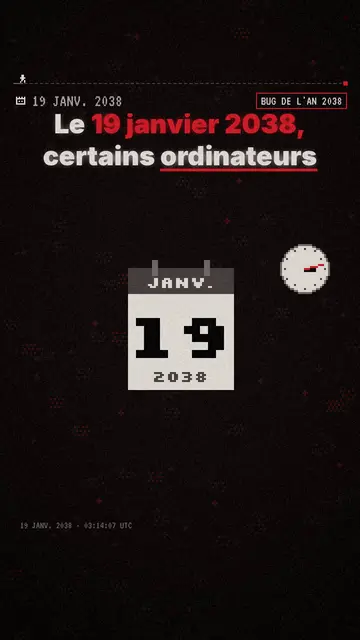
Pixel art explainer video maker
Pixel News style · Grey-and-red pixel art, dated HUD, word-by-word captions.
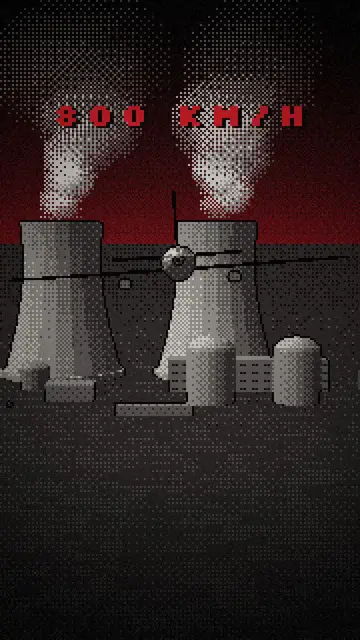
Low poly animation video maker
Archibald style · Dithered low-poly 3D under a dark red sky.
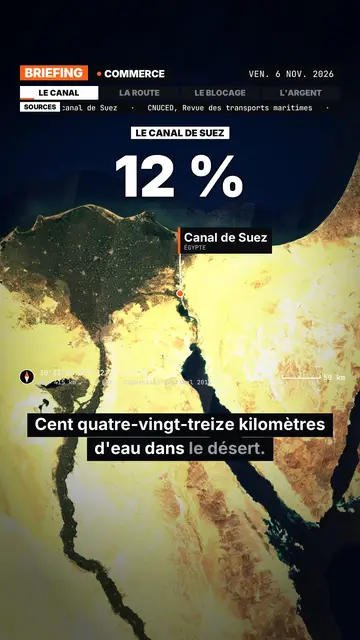
Satellite map explainer video
Satellite briefing style · Real satellite imagery, flyovers, pins and routes, sourced news bar.
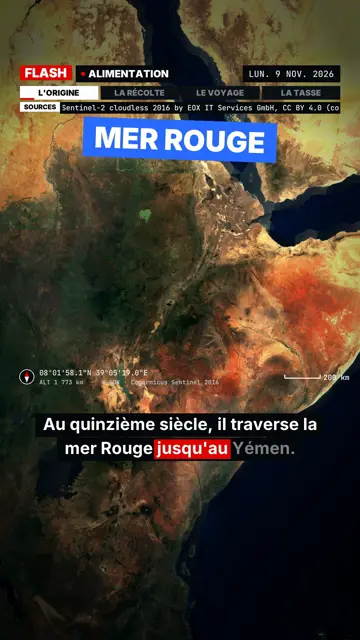
Breaking news explainer video
Flash brief style · News without a dull second: slammed captions, word-tracking box, satellite map and black panels.
- Free
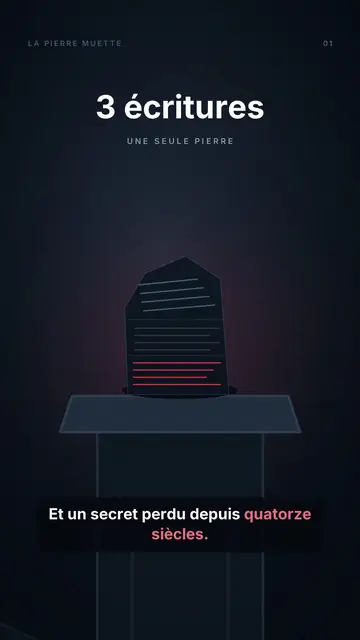
Animated fable video maker
Night tale style · A tale played at night: pale-eyed puppets, one red object, a rising counter, a moral and a closing question.
- Free
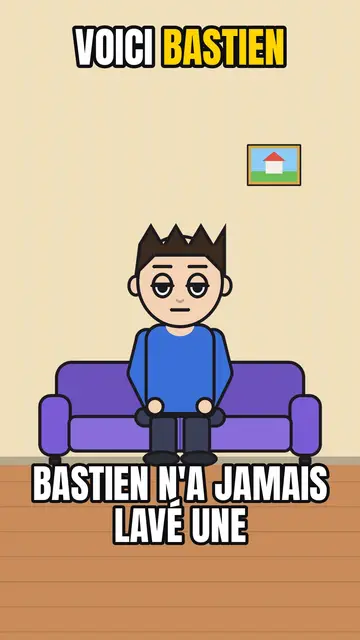
AI cartoon video generator
Comedy cartoon style · Comic cartoon, expressive characters with bold outlines.
- Free
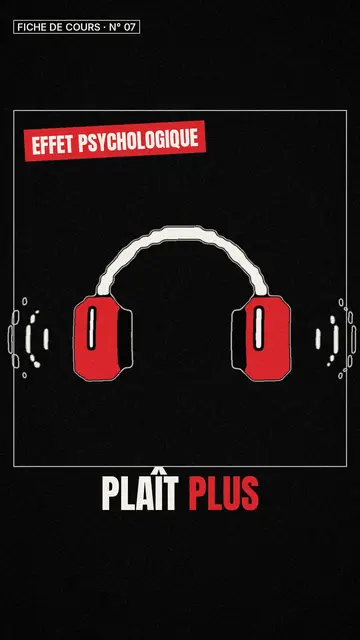
Whiteboard sketch video maker
Class sketch style · Lively black-and-white sketches with red accents.
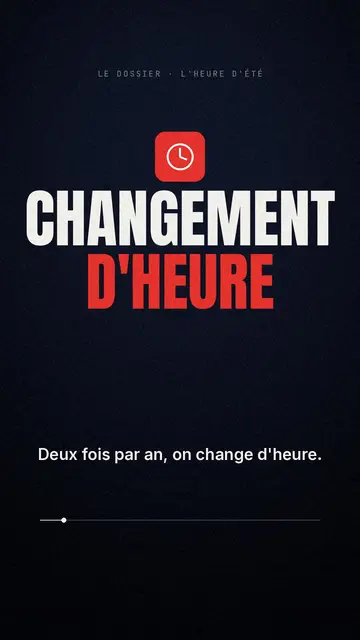
Documentary style explainer video
Red documentary style · Midnight blue, red pictogram, huge condensed headline.
- Free
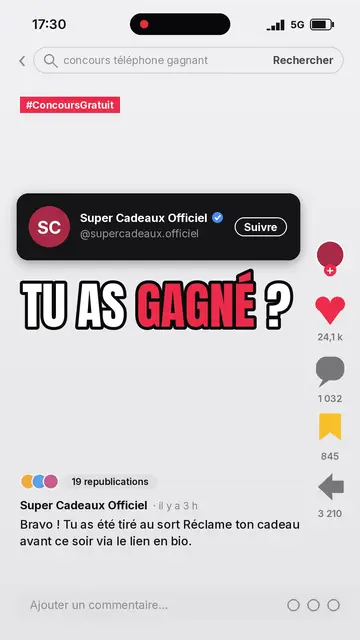
Social media explainer video
Social screen style · A recreated social feed: profile, counters, comments.
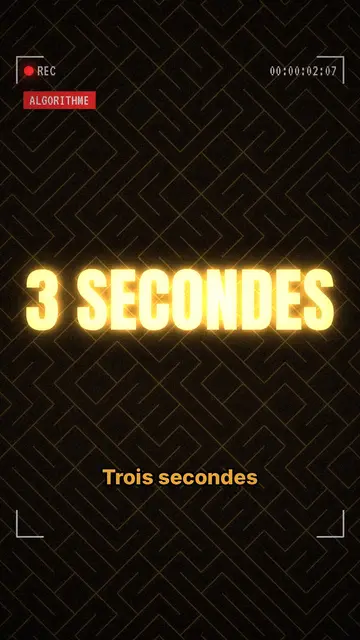
True crime mystery video maker
Glowing investigation style · Glowing gold headlines, dark textured backdrop, REC frame.
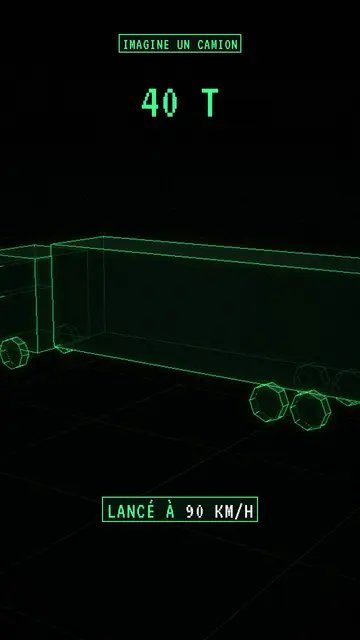
Wireframe animation video
Wireframe style · Neon-green wireframe 3D objects on a grid floor.
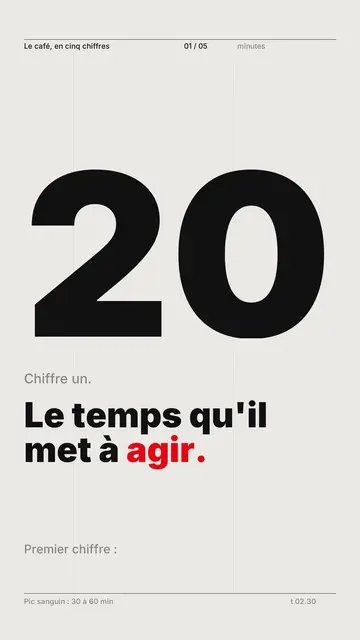
Kinetic typography video maker
Swiss grid style · Swiss typography: light paper, strict grid, giant figure, one signal colour.
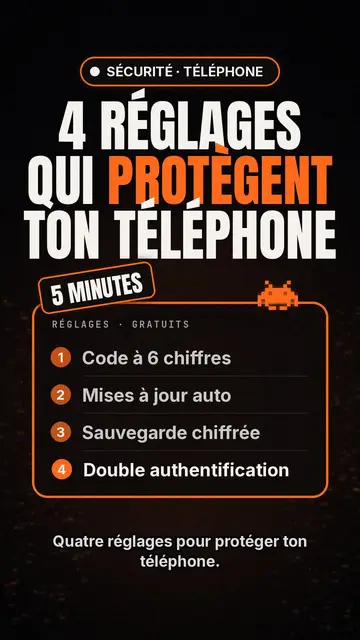
Tech top list video maker
Tech list style · Tech card on black, glowing badge, numbered list.
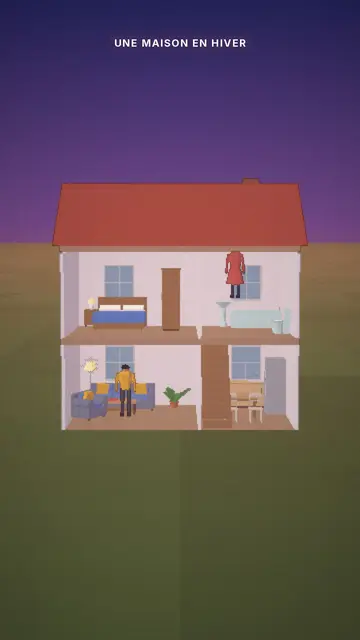
Cutaway house 3D animation
Cutaway house style · A dollhouse-style cutaway with lit rooms.
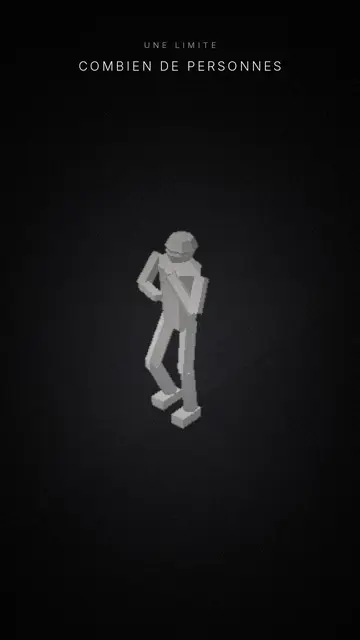
Minimalist 3D mannequin animation
Mannequins style · Faceless white figures carved by a single light.
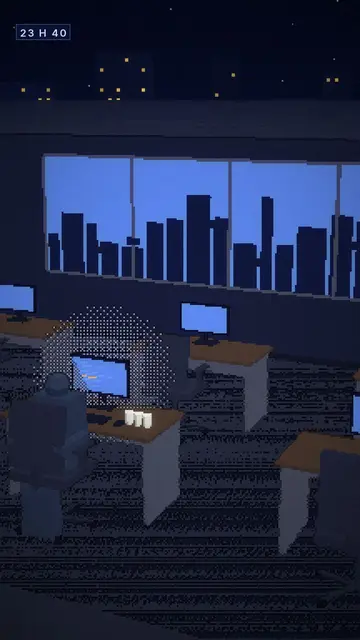
Voxel animation video
Voxel night style · Chunky-pixel 3D nights, glowing city and screens.
- Free
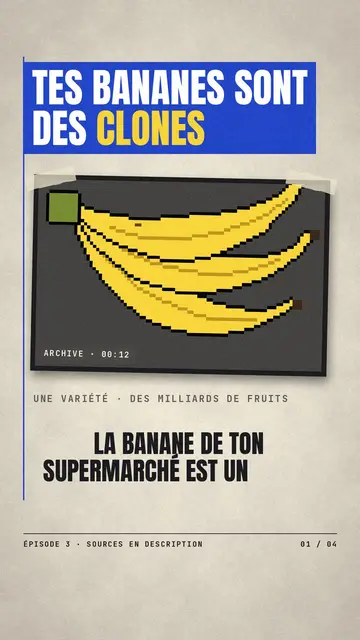
Paper cutout news video
Press paper style · Cream editorial paper, blue and red banners, stamp.
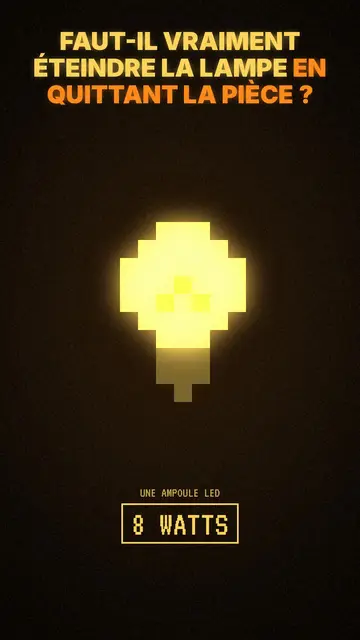
Moody pixel art story video
Mood pixel style · Warm, dark pixel art with radiant yellow light.
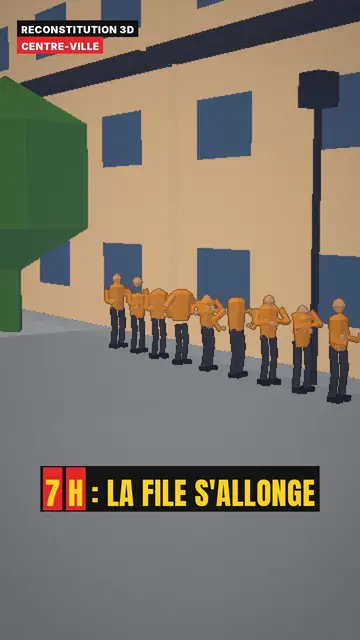
3D reconstruction animation
3D reconstruction style · Colourful daylight low-poly streets and interiors.
- Free
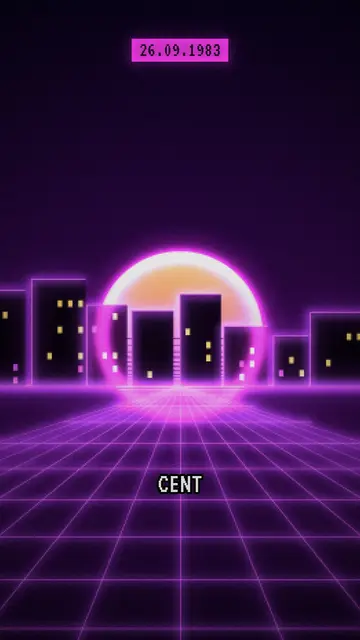
Synthwave video maker
Retro synthwave style · Purple-magenta pixel art, striped sun, neon grid.
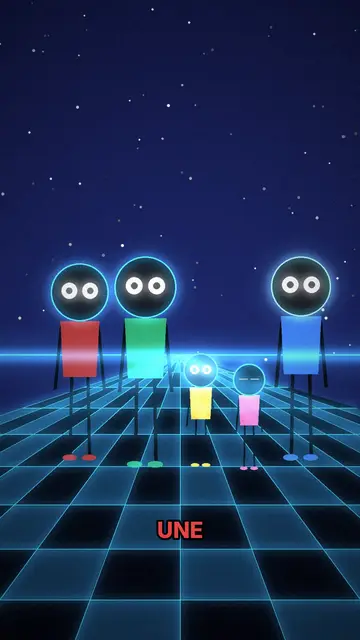
Neon silhouette animation
Neon silhouettes style · Glowing-eyed silhouettes on a neon checkerboard.
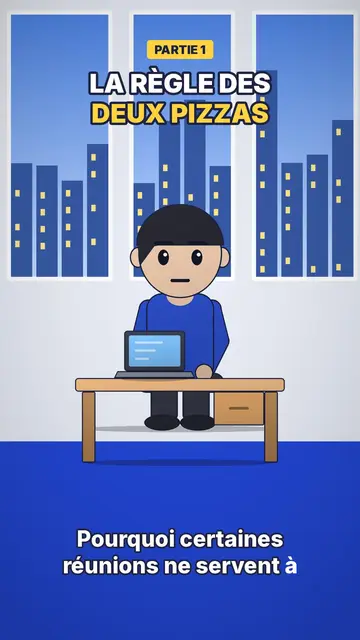
Office cartoon animation video
Office toon style · Big-headed toon characters at the office or in the kitchen.
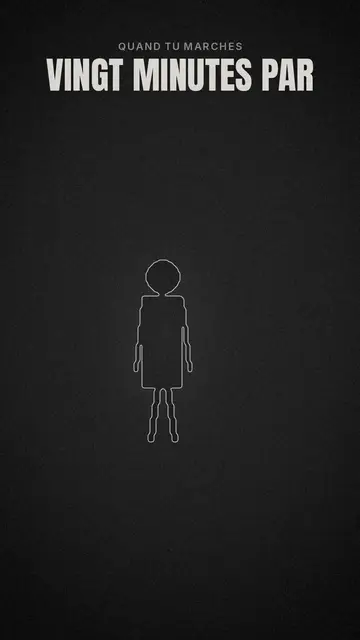
Minimal line animation video
Minimal line style · Thin white line art on charcoal, one red accent.
- Free
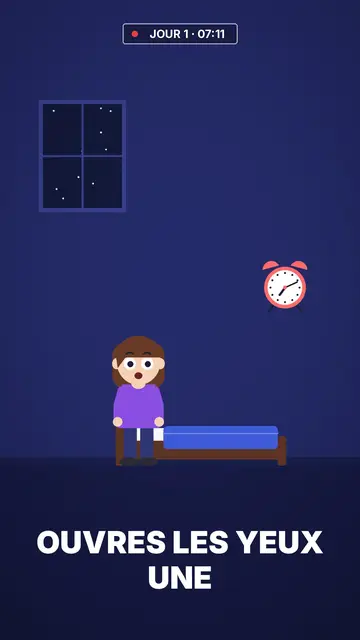
Flat vector animation video
Flat vector style · Flat vector illustration on midnight blue.
Your own
Import your own style and keep it for all your videos.
Your idea, in the style that fits it
Write a sentence or say it: the video comes with its scenes, voice and captions.