Your style
Import your style
Show a few reference images or a video: ClipOnIt turns them into a style, shows you three test scenes, and it joins your 24 styles. 2 imported styles on Starter, 5 on Pro, 20 on Business.
Import your styleOne sentence is enough. ClipOnIt writes the script, illustrates every scene, adds the voice and captions, in minutes, in 24 visual styles, plus your own.
3 free videos a month · 24 visual styles, plus your own · no credits
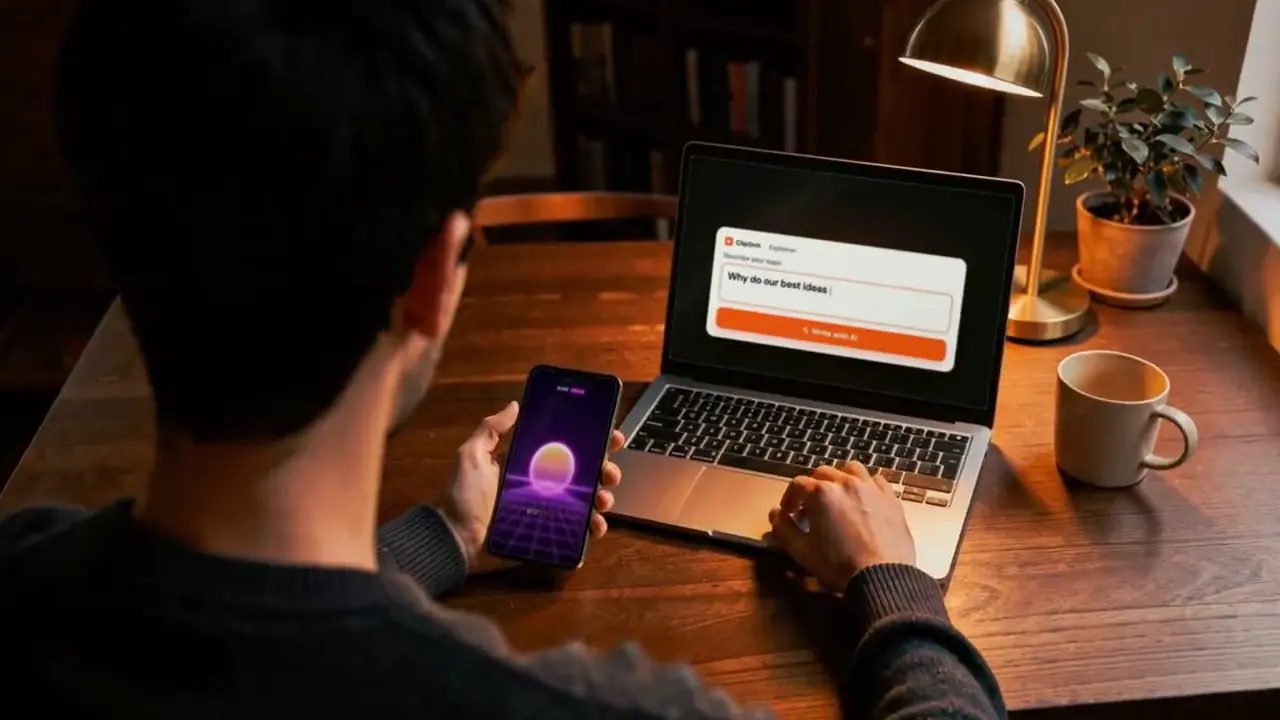
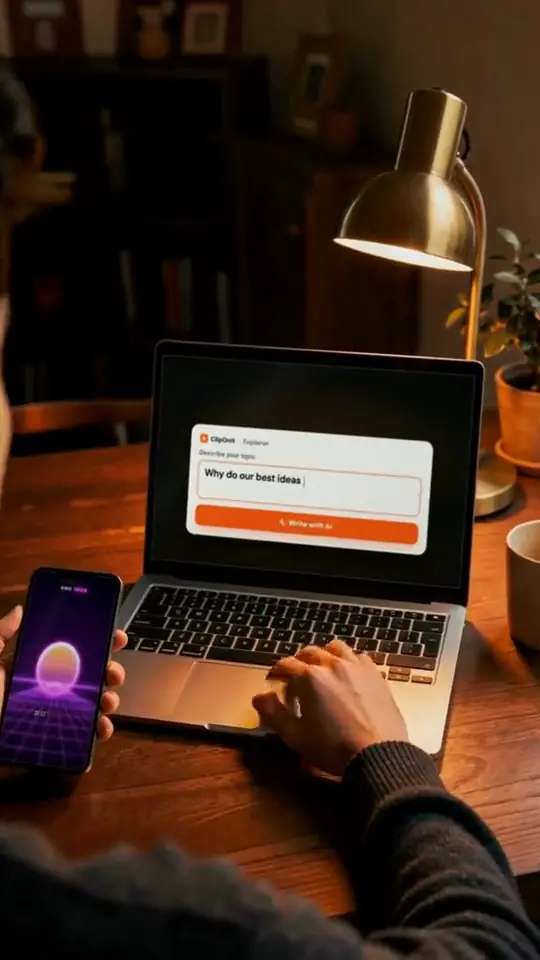
Three reasons come up every time. ClipOnIt fixes all three.
Script, visuals, voice, editing: or a freelancer you can't afford. Here, one sentence and a few minutes.
24 visual styles, plus your own: import a reference video and your signature becomes a style.
No camera. A synthetic voice, or yours only if you want.
Switch between styles: the preview changes before your eyes. One click, and the studio makes your video, with voice and captions.
2Its style24 styles, plus your own
Your idea and style will be waiting in the studio. Free: 3 videos a month, with a watermark.
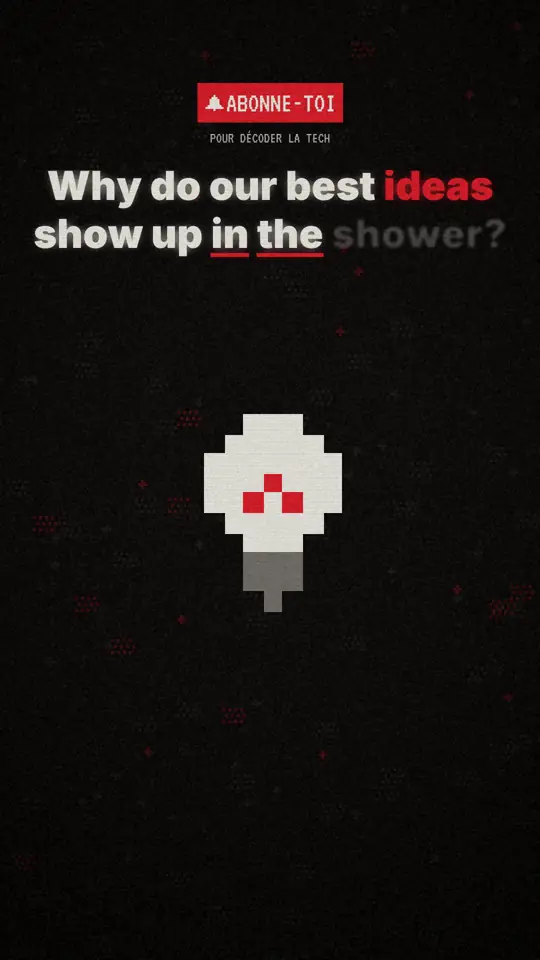
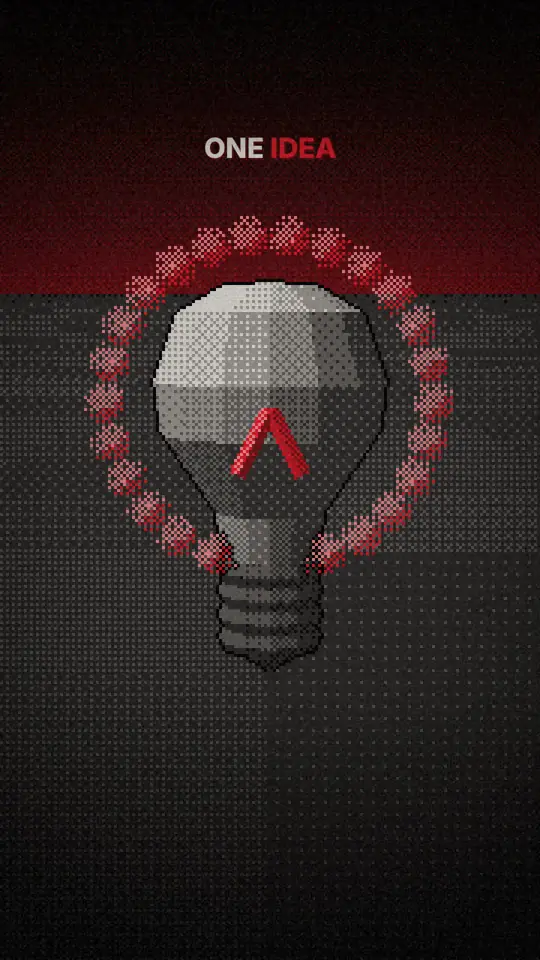
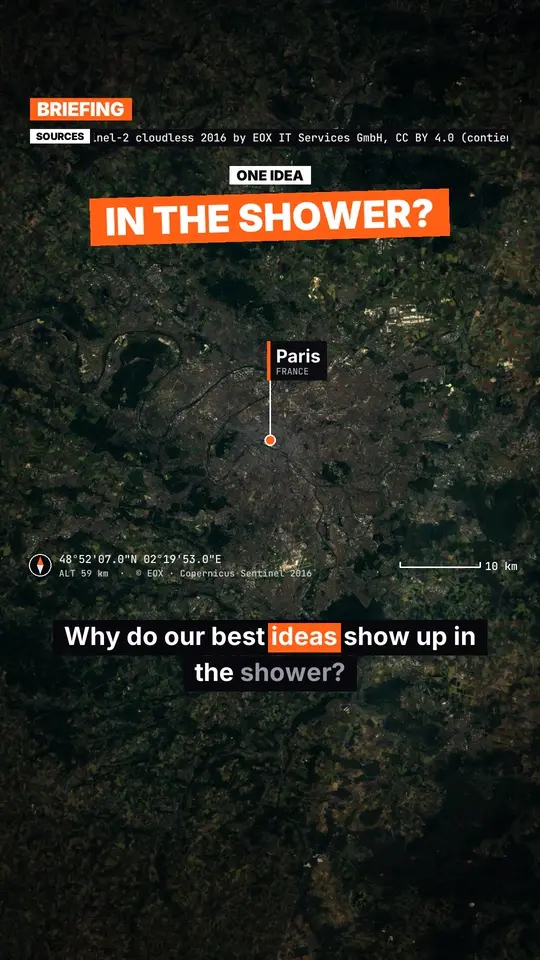

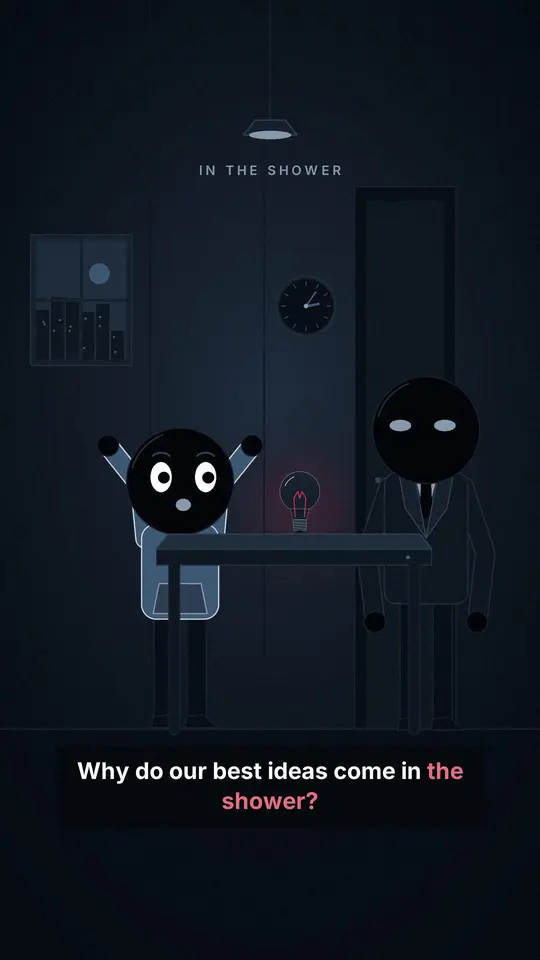

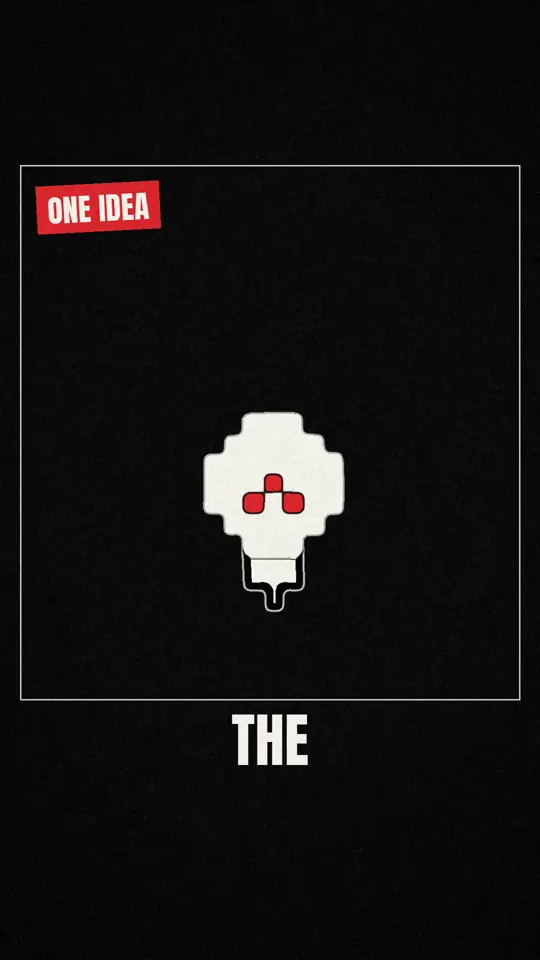
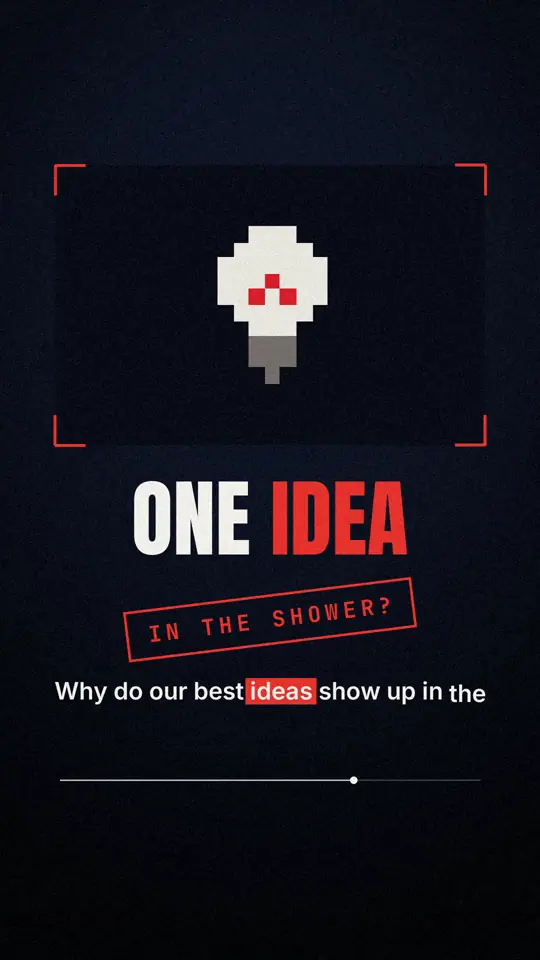
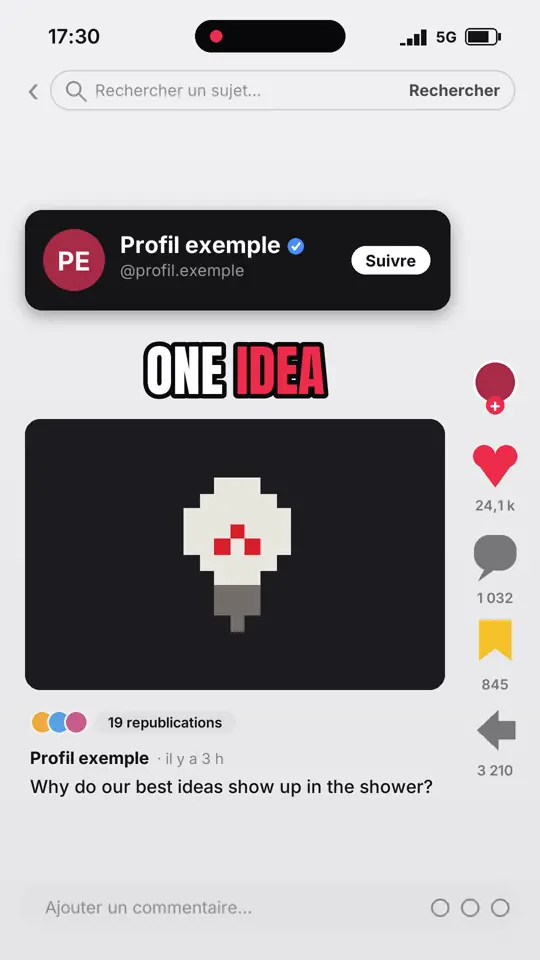
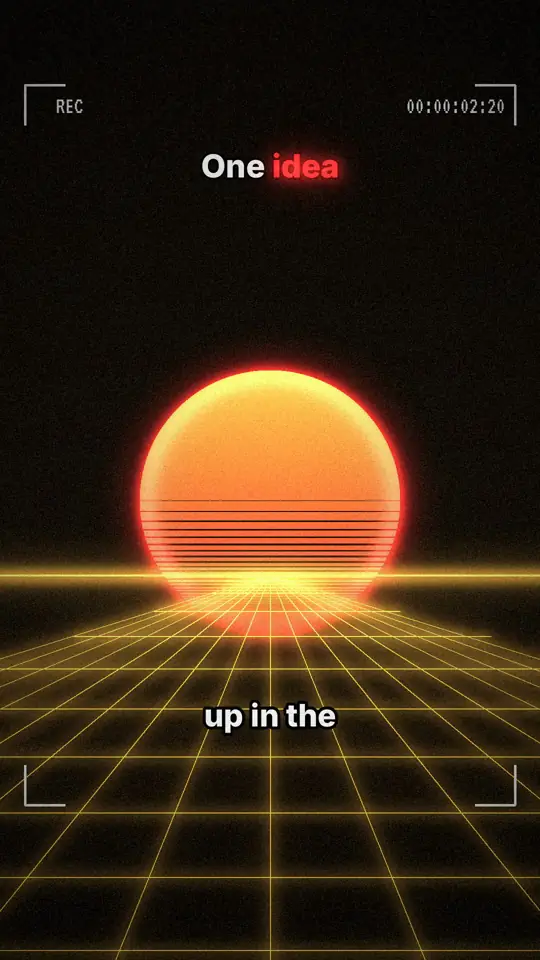
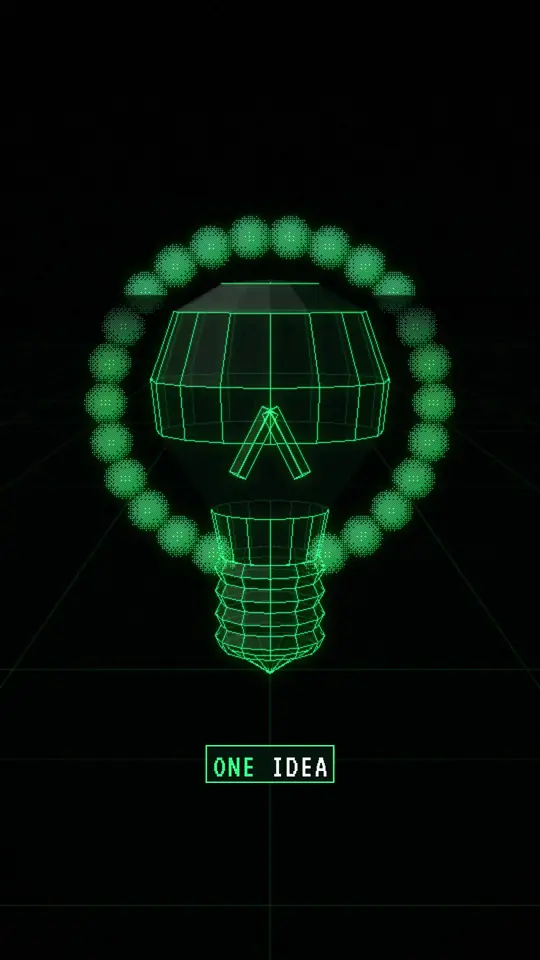
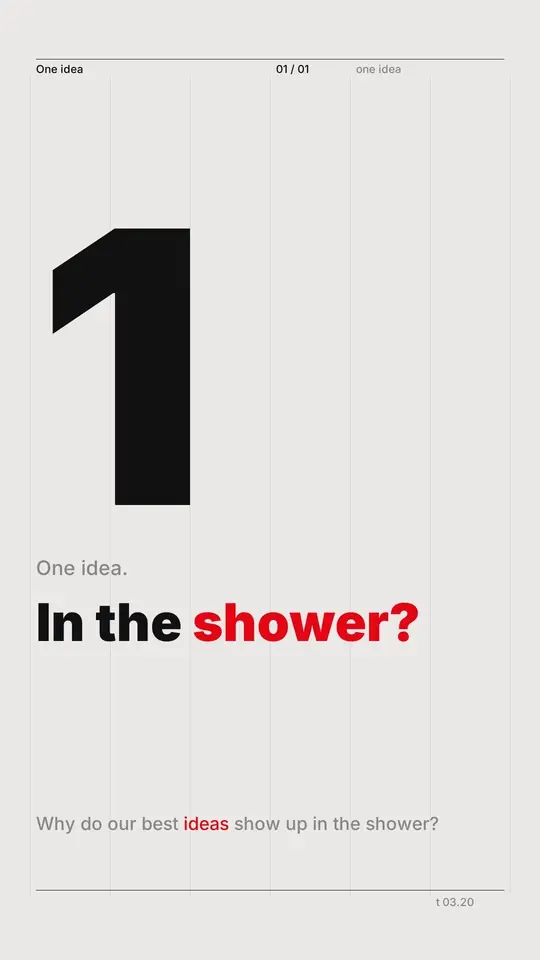
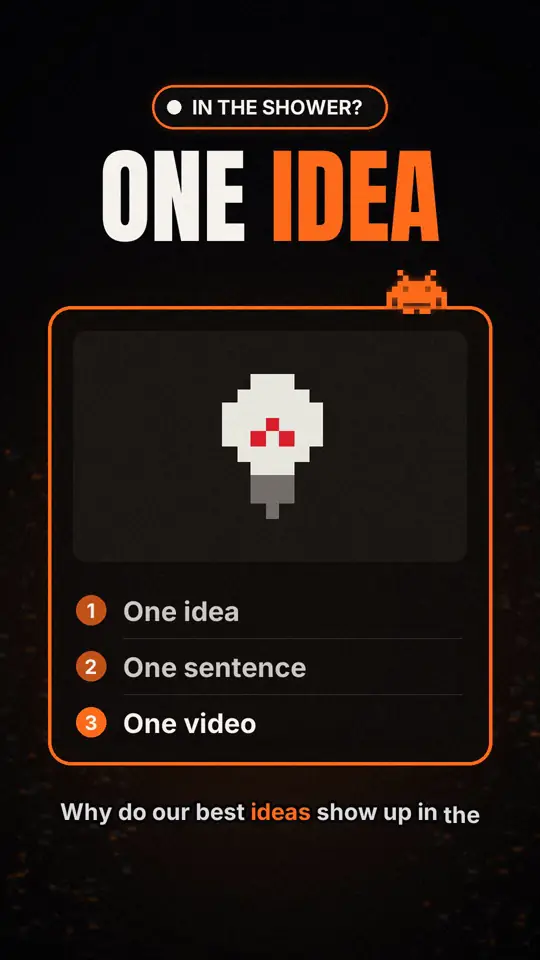
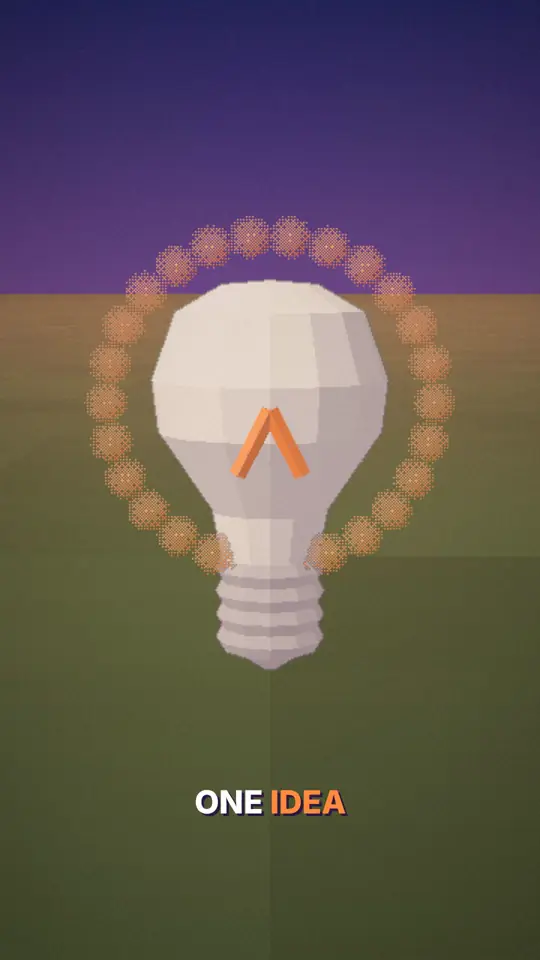
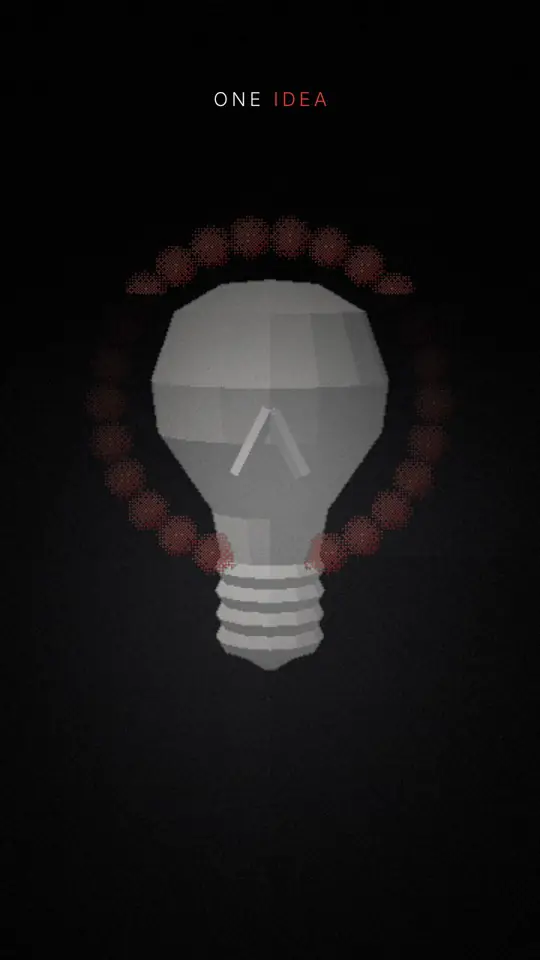
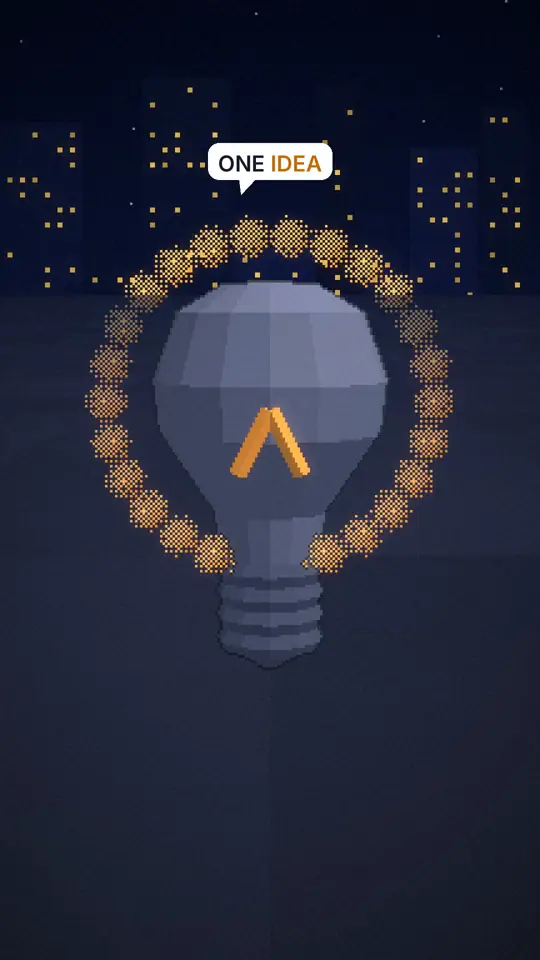
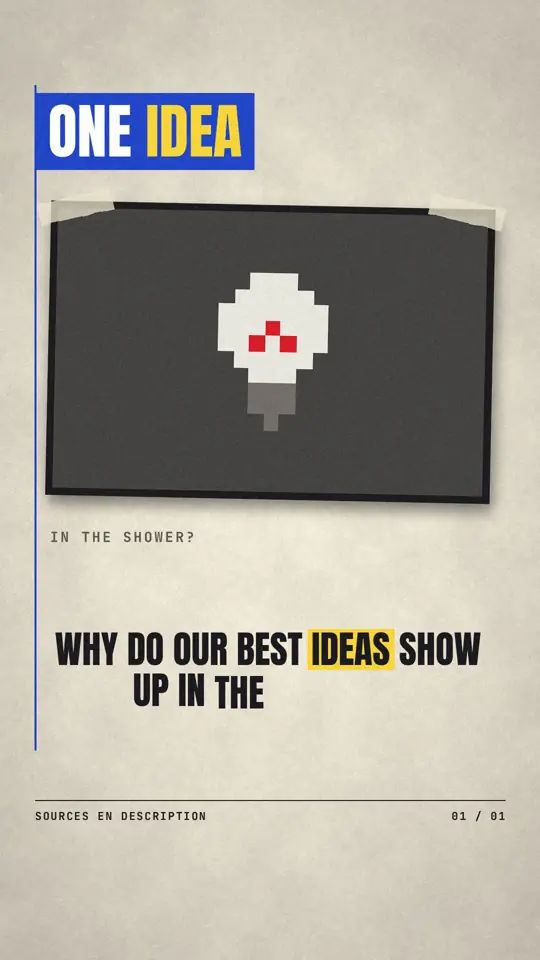

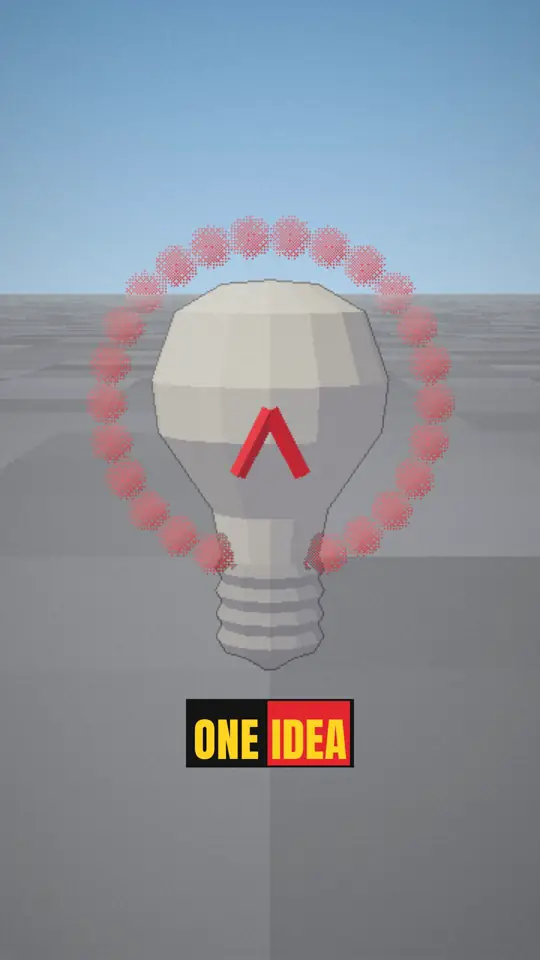

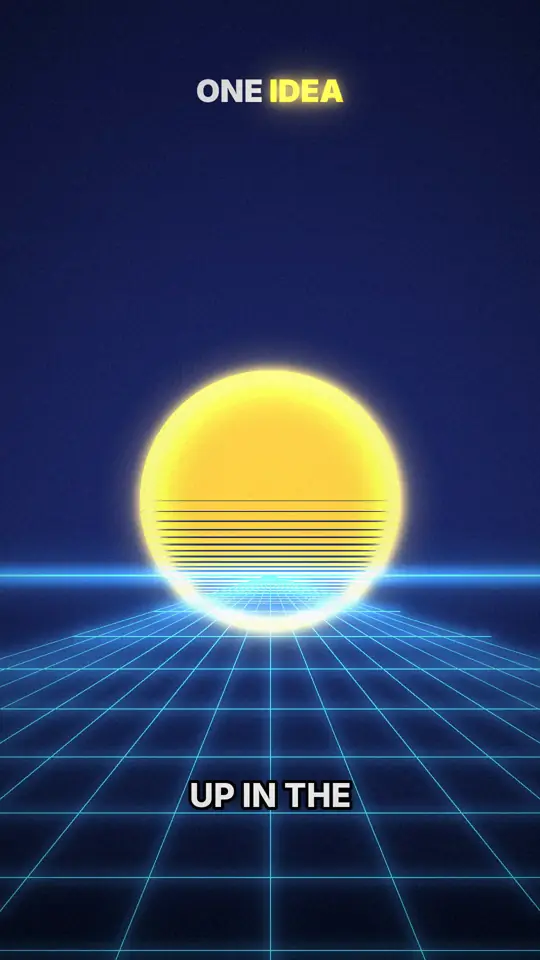
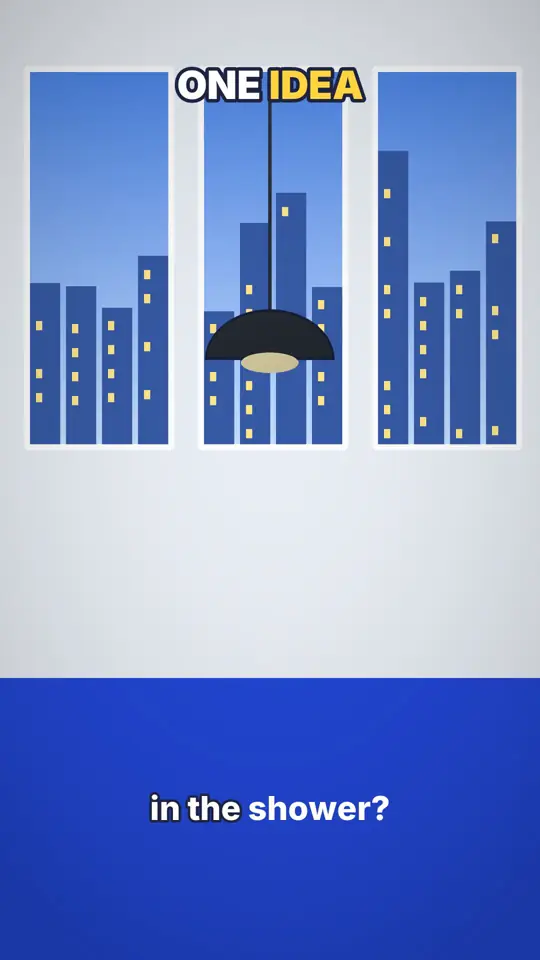
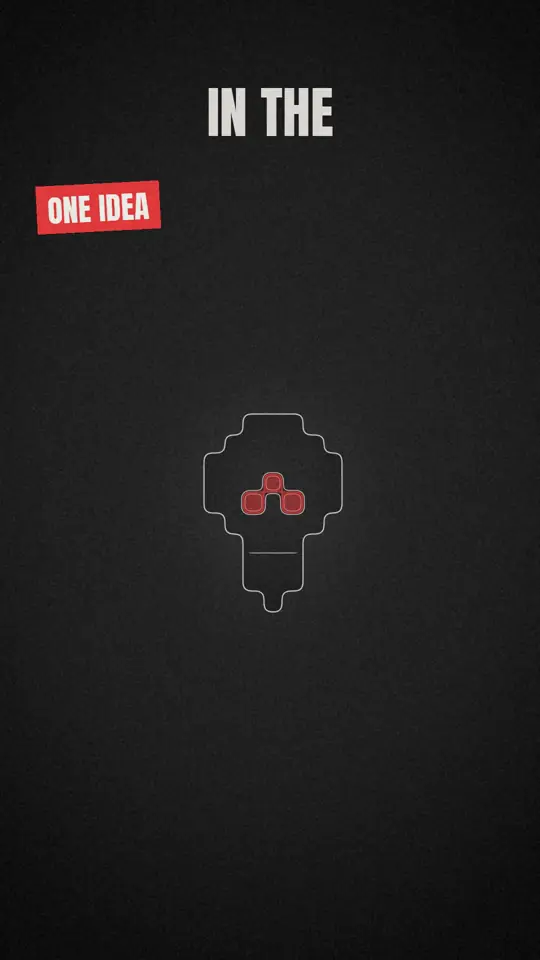
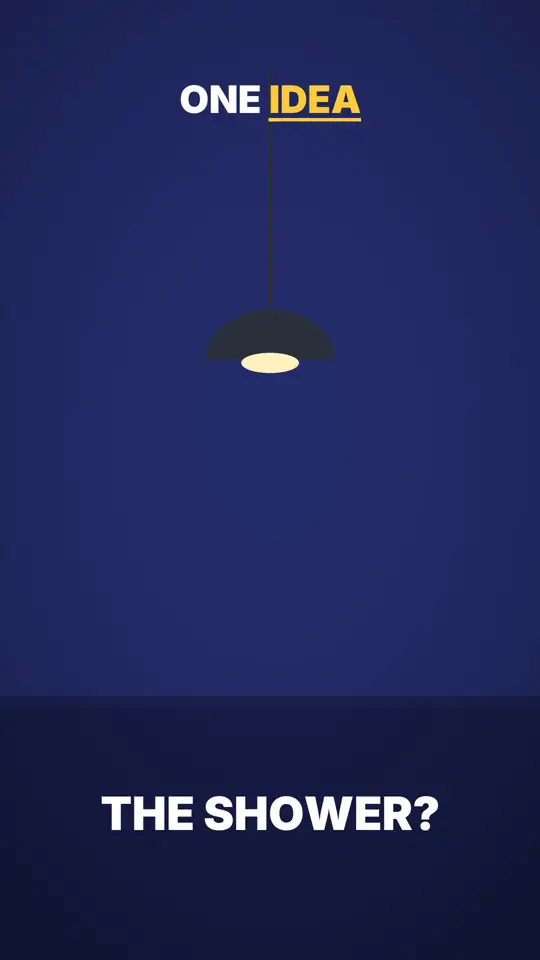
The same idea, “Why do our best ideas come in the shower?”, rendered by each style's own engine. Hover a style to watch it move.
See the 24 styles Pixel News
 Archibald
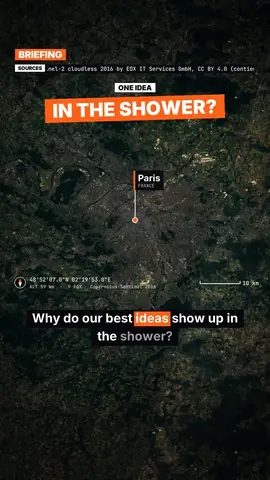 Satellite briefing
 Flash brief
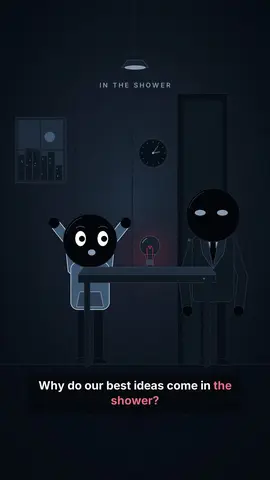 Night tale
 Comedy cartoonClass sketch
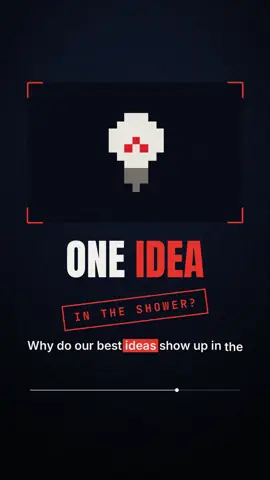 Red documentary
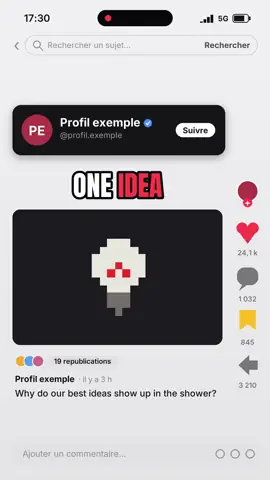 Social screen
 Glowing investigation
 Wireframe
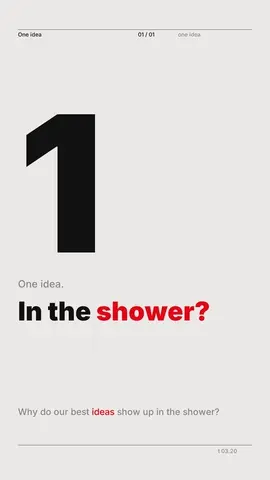 Swiss grid
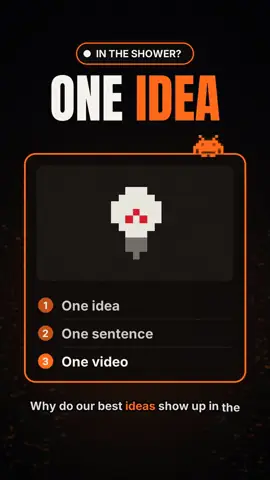 Tech list
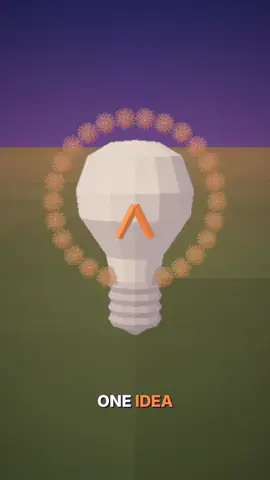 Cutaway house
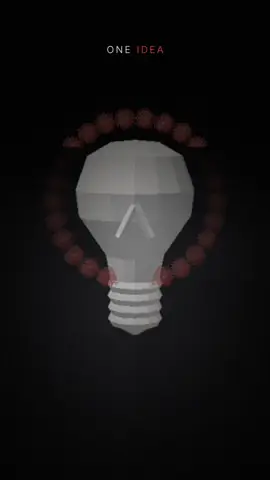 Mannequins
 Voxel night
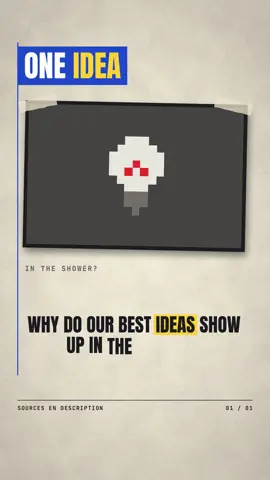 Press paper
 Mood pixel
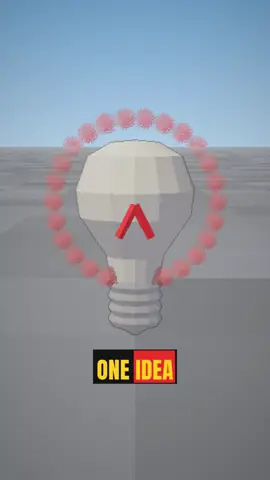 3D reconstruction
 Retro synthwave
 Neon silhouettes
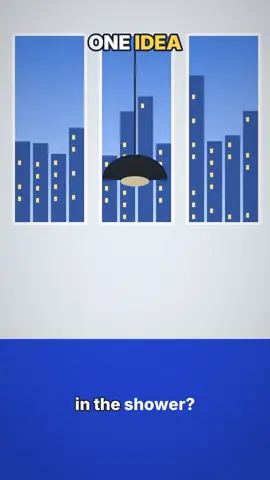 Office toon
 Minimal line
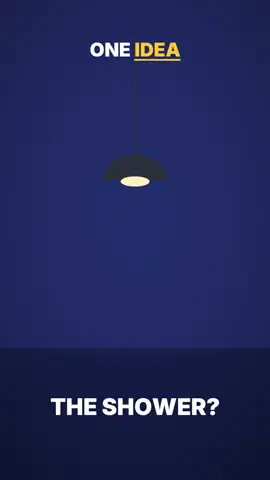 Flat vector
Everything that takes time is done for you. The rest waits, tucked away, until you need it.
One sentence is enough. Your text is read word for word. On paid plans, speak into the mic: a missed sentence can be re-recorded on its own.
24 styles in 2D and 3D, or your own. You see the preview before you start.
Script, visuals, voice and captions arrive in sync: each key word is illustrated the moment the voice says it.
Say “shorter” or “a chart here”: the AI Director edits and explains each change. Accept, reject or undo.
Show a few reference images or a video: ClipOnIt turns them into a style, shows you three test scenes, and it joins your 24 styles. 2 imported styles on Starter, 5 on Pro, 20 on Business.
Import your style
Your video goes to TikTok as a draft or a direct post, with its caption. No more hopping between apps: staying consistent takes care of itself.
Create my first videoBuilt-in MCP server and documented REST API: your assistant writes the idea, picks the style and renders the video for you. From the free plan, for its 3 watermarked videos a month.
Read the API & MCP docsclaude mcp add --transport http cliponit \
https://cliponit.app/mcp \
--header "Authorization: Bearer ck_…"explainer_styles24 styles + yoursexplainer_producetopic, styleexplainer_job_waitjob_id → MP4No credits: each plan counts videos per month. Free to start, no commitment after that.
3 Explainer videos per month
15 Explainer videos per month
Everything in Free, plus:
30 Explainer videos per month
Everything in Starter, plus:
100 Explainer videos per month
Everything in Pro, plus:
Prices in USD · Cancel in one click, anytime, no commitment.
Free: 3 videos a month, with a watermark. From Starter, watermark-free: 15 videos a month, 30 on Pro, 100 on Business. Compare plans
ClipOnIt turns an idea into a vertical animated video: AI writes the script, animates the scenes, adds voice and captions, in 24 visual styles plus your own. Drivable from Claude over MCP. Hosted in the EU.
24 styles in 2D and 3D, plus your own: you can import your own style.
Yes. Every scene stays editable: ask the Director for a change, regenerate a scene, change the voice or captions, or move each element by hand.
Yes, to start: 3 videos a month with a watermark and a selection of styles. From Starter ($29/month), watermark-free: 15 videos a month, 30 on Pro, 100 on Business.
Yes: an idea, your own text read word for word, or your voice on the mic from Starter. The video is built around what you give it.
Yes. ClipOnIt's MCP server lets your assistant produce an Explainer video end to end, from the free plan (3 watermarked videos a month).
Yes, in one click from the Billing page, with no commitment or fees. You keep access until the end of the period you already paid for.
Write it the way you'd say it. We'll handle the video.