Blueprint diagram video — Blue blueprint style
Make a diagram video like a blue architect's blueprint: line-drawn wireframes, dimensions drawing themselves, a numbered title block and red notes.
Starter に含まれ、81種類のスタイルすべてと独自のスタイルが使えます · プレビューは ClipOnIt エンジンで生成
このスタイルの見た目
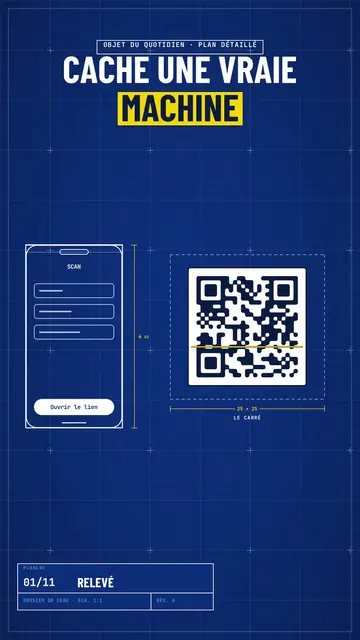
Blue blueprint draws your topic on a gridded blue sheet, like a real technical plan. The title is in white condensed capitals, with the key word on a yellow band, and a numbered title block in the corner moves forward with each scene, like the sheets of a file. Objects are traced in white line in real time: a phone wireframe, a diagram, a table, a circle of icons around a big number.
Dimensions get drawn between the pieces (“6 cm”, “25 × 25”) and captions name them. Taped screenshots, lists being ticked, a yellow sticky note, a dark terminal and a score complete the sheet. A red handwritten note circles or comments on the important detail, like an architect correcting in marker. The end shows a profile with a “Subscribe” button being clicked.
向いているテーマ
Avoid: emotional topics, stories with characters or topics without structure: the plan wants pieces, dimensions and steps. Also avoid overloading a sheet; three pieces per scene stay readable.
- How everyday objects workThe dimensioned plan shows the inside of a QR code, a bank card or a screen.
- App and AI tutorialsThe line-drawn phone wireframe shows the screen without a branded screenshot.
- Technical architecturesDiagrams drawing themselves make an architecture readable step by step.
- Methods and action plansThe numbered title block and the ticked list give the feel of a well-run file.
このスタイルの動画アイデア
- How a QR code works
The phone scanning, the square dimensioned 25 × 25, the diagram of zones and the big error correction number.
- An app's architecture in 4 blocks
The diagram drawing itself, the dimensioned arrows and the title block moving forward.
- What's inside your bank card
The card's plan, the dimensioned chip, the red note and the ticked list.
- Launch a website in a weekend
The wireframe, the taped screenshots, the yellow sticky note and the final score.
1クリックで利用可能
- このスタイルのリンクを開く
「このスタイルで動画を作成」ボタンを押すと、そのスタイルを選んだ状態でエディターが開きます。アカウントがなくても、登録は1分ほどで、カード情報も不要です。
- 一文でテーマを書く
テーマは一つで十分です。テキストを貼り付けるか、Starterからマイクに向かって話すこともできます。その場合、動画はあなたの声をもとに作られます。
- 確認してから書き出し
AIがシーンを作成し、スタイルの要素を配置して、言葉のタイミングに合わせます。音声と字幕も付きます。気になる箇所を直せば、数分で縦型MP4が届きます。
調整できる項目
For each scene you pick one to three pieces on the word (phone, screenshot, table, diagram, circle, list, sticky note, terminal, score or element) with their dimensions and captions, the sheet name in the title block, the label above the title, a note under the pieces and a red annotation.
よくある質問
無料プラン、出力、用途について:手短にお答えします。
Are the dimensions to scale?
Dimensions show the text you write, like on an architect's sketch. The drawing stays readable; it is not calculated to real scale.
自分の声を使えますか?
Yes. Record yourself or import your audio: lines, dimensions and notes draw themselves on your words.
Class sketch との違いは何ですか?
Class sketch draws in black line on white, freehand, like a notebook. Blue blueprint traces dimensioned pieces on a gridded blue sheet, with a title block.
このスタイルは無料プランで使えますか?
いいえ、Starter($29/月)に含まれます:月15本のウォーターマークなし動画と、81種類のスタイルすべて、さらに独自のスタイルも。無料プランでは月3本まで、ウォーターマーク付きで、他の8スタイルが使えます:Pixel News、Press paper、Comedy cartoon、Class sketch、Night tale、Social screen、Retro synthwave、Flat vector。
このスタイルがお好みなら
- 無料
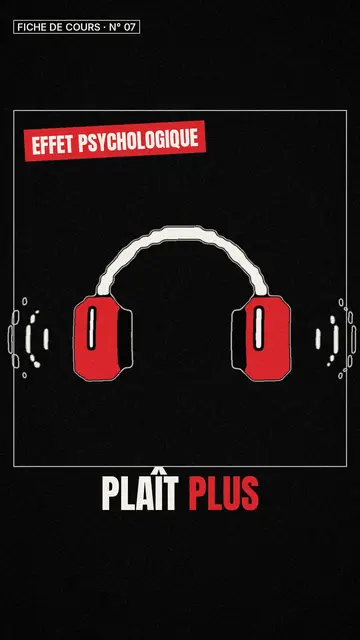
ホワイトボード・スケッチ動画メーカー
クラススケッチ・スタイル · 赤いアクセントの入った、白黒の生き生きとしたスケッチ。
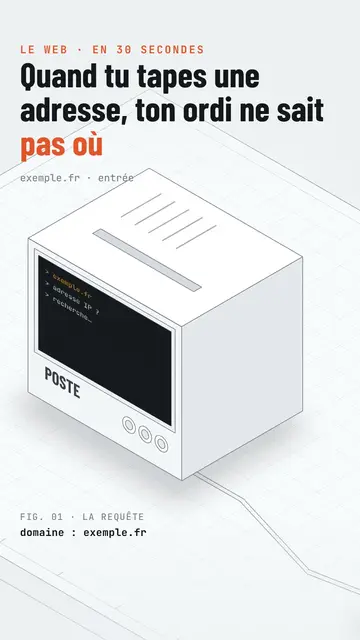
Isometric tech video
Isometric technical board style · A white installation with fine edges seen in one continuous pan, screens lighting up on the word.
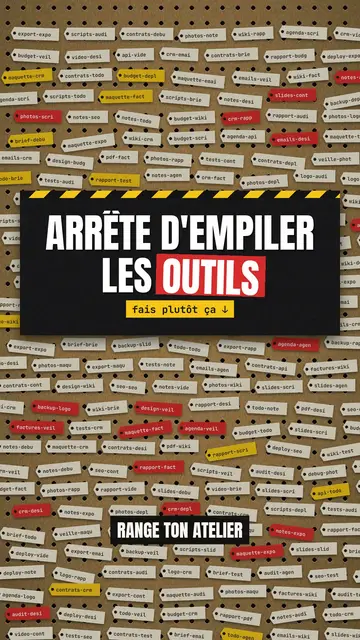
Step-by-step method video
Pegboard workshop style · Everything hangs on a cardboard pegboard: falling labels, gauges, caution tape.