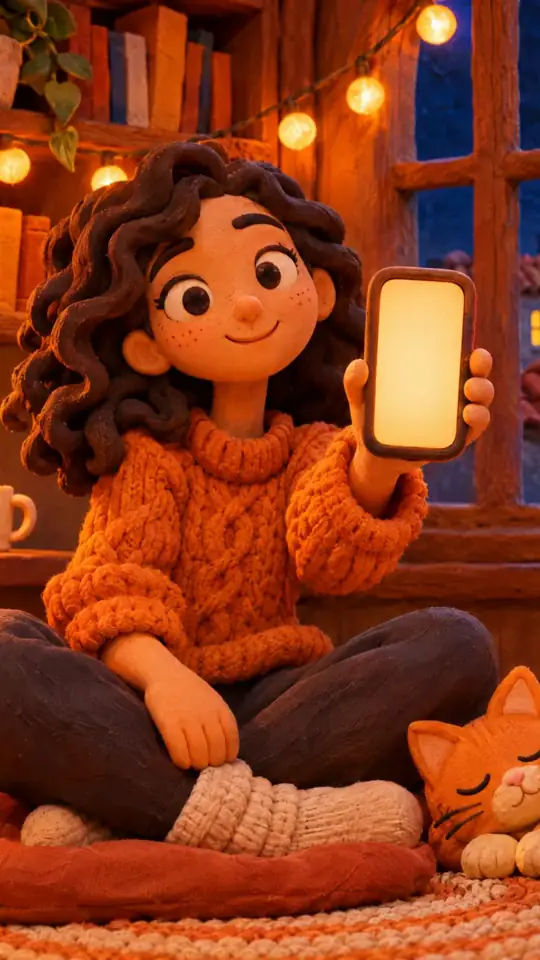
Clay 3D step-by-step video — Clay mascot style
Make a step-by-step tutorial with a clay look: an orange mascot plugged into one socket per step, pastel backgrounds by chapter, clay objects that pop.
Starter に含まれ、81種類のスタイルすべてと独自のスタイルが使えます · プレビューは ClipOnIt エンジンで生成
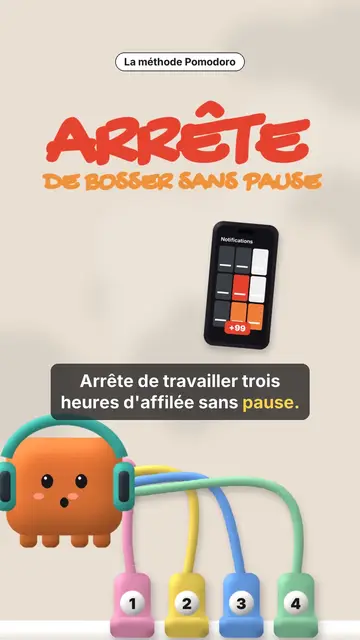
このスタイルの見た目
Clay mascot gives your video a soft, cute 3D clay look. In the centre, an orange cube mascot wearing a helmet is connected by coloured cables to numbered sockets. Each socket is a step: when a new chapter starts, a plug bounces and connects, and the pastel background changes colour, cream, pink, sea green or midnight blue. The mascot's face changes too, happy, surprised, with stars or hearts in its eyes.
Chapter titles are handwritten in marker, with their numbered badge, and a small black pill spells out the idea. Clay objects pop on the word: a phone full of notifications, a stopwatch, a bookshelf, a monitor, a list being ticked, a card, a giant number. A yellow note can stick to the object, confetti falls on the win, and the end shows “COMMENT” with a ticked recap of every step.
向いているテーマ
Avoid: grave topics, investigations or hard news: the cute look would not fit. Also avoid topics without steps; the mascot needs a socket to plug in for each idea.
- Productivity methodsOne socket per step: viewers see how many are left and where they are.
- Tool round-upsEach tool plugs its socket and pops its clay object, then the recap ticks them all.
- Beginner tutorialsThe soft look and the mascot make a technical topic approachable.
- Routines and habitsThe stopwatch, the ticked list and the confetti reward each step kept.
このスタイルの動画アイデア
- The Pomodoro method
The red “STOP” hook, four sockets, the stopwatch, the silenced phone and the ticked recap.
- 4 apps to learn a language
One socket per app, the clay phone and the number of minutes a day.
- Plan your week in 5 minutes
The list being ticked, the yellow note stuck on and the confetti at the end.
- 3 settings for a faster computer
The clay monitor, three numbered sockets and the mascot with star eyes.
1クリックで利用可能
- このスタイルのリンクを開く
「このスタイルで動画を作成」ボタンを押すと、そのスタイルを選んだ状態でエディターが開きます。アカウントがなくても、登録は1分ほどで、カード情報も不要です。
- 一文でテーマを書く
テーマは一つで十分です。テキストを貼り付けるか、Starterからマイクに向かって話すこともできます。その場合、動画はあなたの声をもとに作られます。
- 確認してから書き出し
AIがシーンを作成し、スタイルの要素を配置して、言葉のタイミングに合わせます。音声と字幕も付きます。気になる箇所を直せば、数分で縦型MP4が届きます。
調整できる項目
For each scene you pick the opening red hook, the chapter title and its pill, the background colour, a clay object popping on the word (phone, stopwatch, bookshelf, monitor, list, card, number or element), the yellow note, the mascot's mood, the confetti and the word to comment with the recap.
よくある質問
無料プラン、出力、用途について:手短にお答えします。
How many steps can I show?
Each new chapter title adds a numbered socket. Four to six steps stay readable in a 30 to 60 second video.
自分の声を使えますか?
Yes. Record yourself or import your audio: sockets plug in and objects pop on your words.
How is it different from Felt kitchen?
Felt kitchen plays out a metaphor with two wool puppets. Clay mascot follows a list of steps, one socket per step, with clay objects.
このスタイルは無料プランで使えますか?
いいえ、Starter($29/月)に含まれます:月15本のウォーターマークなし動画と、81種類のスタイルすべて、さらに独自のスタイルも。無料プランでは月3本まで、ウォーターマーク付きで、他の8スタイルが使えます:Pixel News、Press paper、Comedy cartoon、Class sketch、Night tale、Social screen、Retro synthwave、Flat vector。
このスタイルがお好みなら
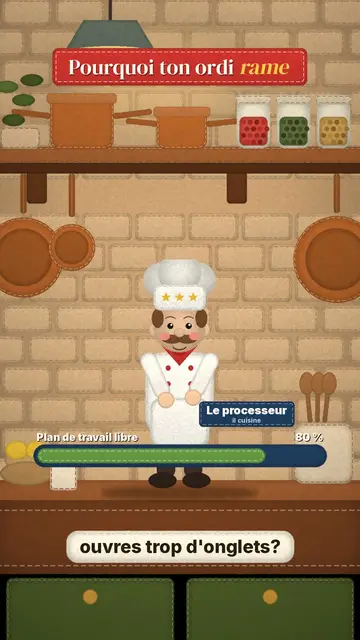
Stop-motion explainer video
Felt kitchen style · A retro wool kitchen in stop-motion, where a chef and an apprentice act out the explanation.
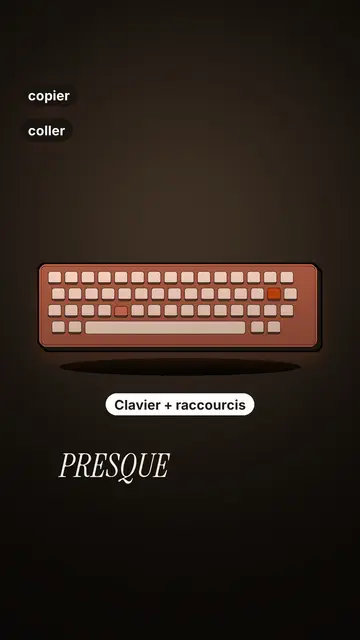
Tech tutorial video maker
Terracotta studio style · Tutorials told with UI cards floating in light 3D on cream: numbered labels, rolling counters, terracotta title plates.
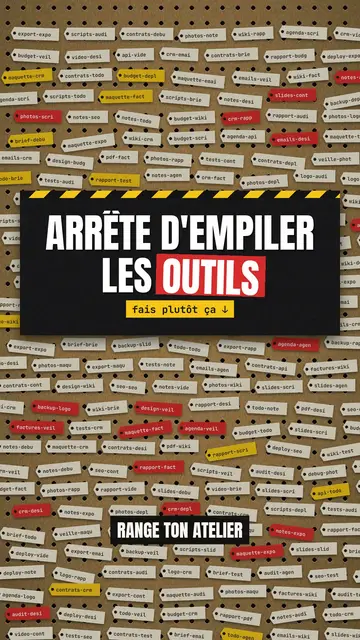
Step-by-step method video
Pegboard workshop style · Everything hangs on a cardboard pegboard: falling labels, gauges, caution tape.