AI and privacy explainer video — Glowing eye style
Make a video about AI or privacy with a glowing orange lens-eye watching you: a zoom into the pupil, an orange flash, scores out of 100 and a terminal.
Starter に含まれ、81種類のスタイルすべてと独自のスタイルが使えます · プレビューは ClipOnIt エンジンで生成
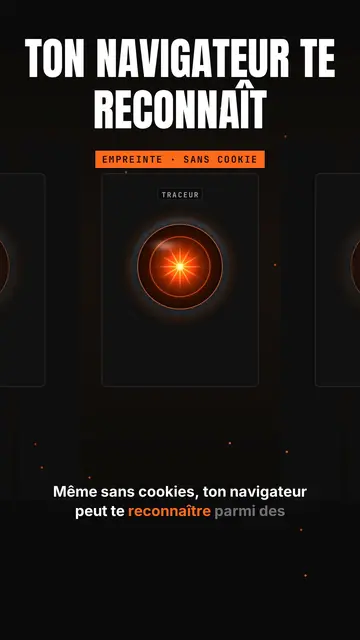
このスタイルの見た目
Glowing eye sets a shining orange lens-eye in the middle of a black background, like a spaceship's onboard computer watching. Above it, a giant title in white condensed capitals, with an orange line below, and a framed orange mono label (“FINGERPRINT · NO COOKIE”). A small tab at the top left and a name above the eye give the feel of a console. Captions run word by word.
The camera dives into the pupil to enter the topic, a beam goes from the eye to a card, and a full-screen orange flash marks the shock fact with a dark mono banner. A row view shows a corridor of eyes in perspective, like a room full of consoles. Cards show scores out of 100, ASCII bars, a terminal, a list or a time counter. The end types the word to comment into a field.
向いているテーマ
Avoid: warm, human or childish topics: the eye sets a cold, technical tone. Also avoid topics that need places or characters; everything happens in a console.
- Online privacyThe watching eye makes being tracked tangible, without a distressing image.
- AI tools and agentsThe console and the scores out of 100 give the feel of an audit run by a machine.
- Tool audits and testsASCII bars and the terminal show a measured result, not an impression.
- Shocking tech factsThe full-screen orange flash stops the scroll on the number that matters.
このスタイルの動画アイデア
- Your browser recognises you without cookies
The “Tracker” eye, the zoom into the pupil and the orange flash on the EFF study's 83.6% unique browsers.
- I audited my website with an AI
The “/audit” console, scores out of 100 and ASCII bars per criterion.
- What your phone really listens to
The corridor of eyes, the permissions terminal and the time counter.
- The AI agent that codes for you
The beam to the terminal, the task list and the final score.
1クリックで利用可能
- このスタイルのリンクを開く
「このスタイルで動画を作成」ボタンを押すと、そのスタイルを選んだ状態でエディターが開きます。アカウントがなくても、登録は1分ほどで、カード情報も不要です。
- 一文でテーマを書く
テーマは一つで十分です。テキストを貼り付けるか、Starterからマイクに向かって話すこともできます。その場合、動画はあなたの声をもとに作られます。
- 確認してから書き出し
AIがシーンを作成し、スタイルの要素を配置して、言葉のタイミングに合わせます。音声と字幕も付きます。気になる箇所を直せば、数分で縦型MP4が届きます。
調整できる項目
For each scene you pick the shot (eye, zoom, rows, flash or end), the giant title and its orange line, the framed label, the console's tab and name, the flash word and its banner, the beam, and one card on the word: score, bars, terminal, list, counter or number.
よくある質問
無料プラン、出力、用途について:手短にお答えします。
Is the eye a reference to a film?
It is a lens-eye drawn by the ClipOnIt engine, in the spirit of sci-fi onboard computers, without copying any existing character.
自分の声を使えますか?
Yes. Record yourself or import your audio: the zoom, the flash and the cards lock onto your words.
How is it different from Tech list?
Tech list presents a numbered list on a black card with a glowing badge. Glowing eye stages a watching console, with a zoom into the pupil, a flash and scores.
このスタイルは無料プランで使えますか?
いいえ、Starter($29/月)に含まれます:月15本のウォーターマークなし動画と、81種類のスタイルすべて、さらに独自のスタイルも。無料プランでは月3本まで、ウォーターマーク付きで、他の8スタイルが使えます:Pixel News、Press paper、Comedy cartoon、Class sketch、Night tale、Social screen、Retro synthwave、Flat vector。
このスタイルがお好みなら
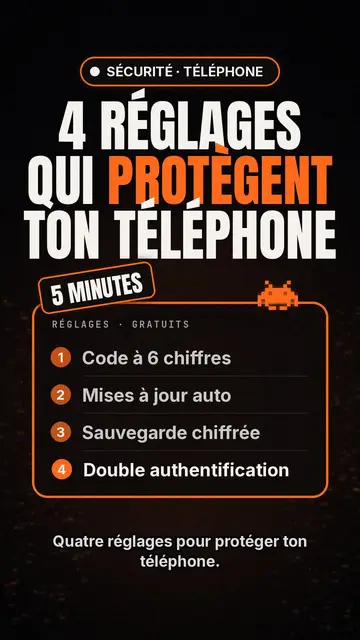
テック・ランキング動画メーカー
テックリスト・スタイル · 黒地のテックカード、光るバッジ、番号付きリスト。
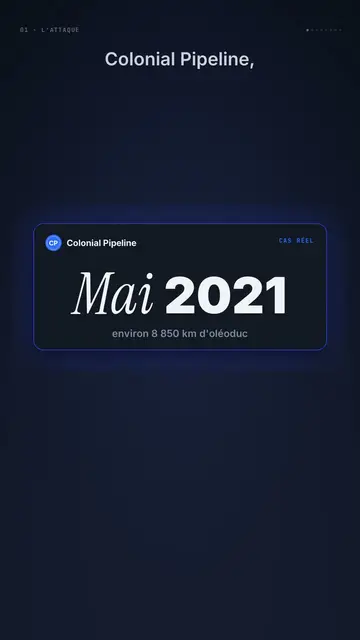
Dark UI tech explainer video
Night interface style · Dark glass cards on midnight blue, narration coming out of blur, blue, cream and black switches.
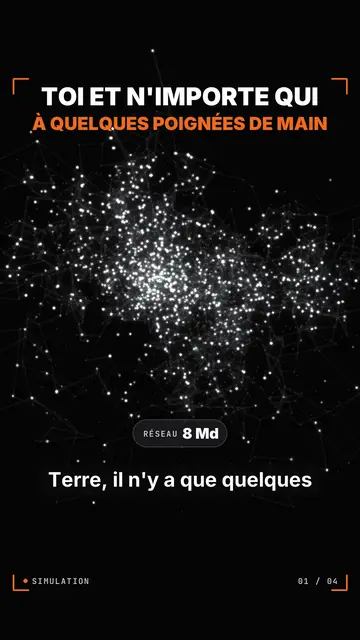
Particle network data video
Particle swarm style · Thousands of glowing dots on black that change colour by camps or by contagion.