オンライン講座を解説動画に変える
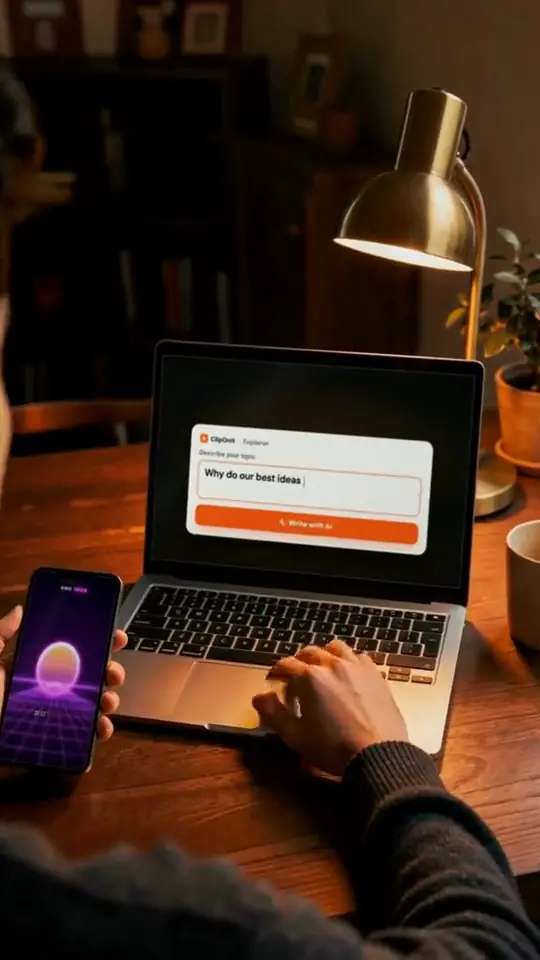
Paste a lesson's text or record it on the mic: ClipOnIt splits it into scenes, illustrates each one with animated elements in the visual style you picked, adds the voice-over and captions, and renders a vertical 1080×1920 video.
Free: 3 videos a month, with a watermark · watermark-free from Starter ($29/month): 15 videos, 24 visual styles, plus your own

In three steps
- Give the lesson
A one-line topic, your text, or your voice on the mic.
- Pick your style
24 visual styles, plus your own: AI composes the scenes, animated elements, voice-over and captions.
- Adjust by talking
Ask the AI Director for "shorter" or "a chart here", accept or reject each change, then render the MP4.
Why ClipOnIt
- Your own voice: the narration is transcribed and each element syncs to your words.
- Or a synthetic voice, chosen from 10 voices.
- 3 variants per scene when an illustration does not suit you, with the cost shown first.
Frequently asked questions
Formats, pricing, edge cases: the short answers.
Can I keep my own voice?
Yes. Record your narration on the mic, in one or several takes: AI transcribes it, splits it into scenes and syncs the elements to your words. Otherwise a synthetic voice reads your text.
How much do explainer videos cost?
Free to start: 3 videos a month, with a watermark and a "Made with ClipOnIt" end card, in 8 styles, no credit card. Watermark-free: Starter $29/month for 15 videos per month (all 24 visual styles, plus your own), Pro $49/month for 30, Business $149/month for 100.
Compare with another tool
Your next lesson, as a video
Write it or say it. AI composes, you keep the final say.